Easy AI Generators

Generate AI Backgrounds That Fit Every Photo

Upload a photo or describe a scene, and AI creates a polished background in seconds. Built for sellers, creators, and professionals—no design skills needed.

SUBJECTSETTINGLIGHTPLACEMENT

Optional: add a permitted image, then say which subject details you want to keep or change.

Write a background direction and optionally add a permitted image, then continue to the image generator.

Scene finder

Explore AI-Generated Background Ideas for Every Scene

Preview polished background styles for product listings, portraits, social posts, furniture, nature scenes, and abstract artwork. Find a direction you like, then create a background that fits your subject and brand.

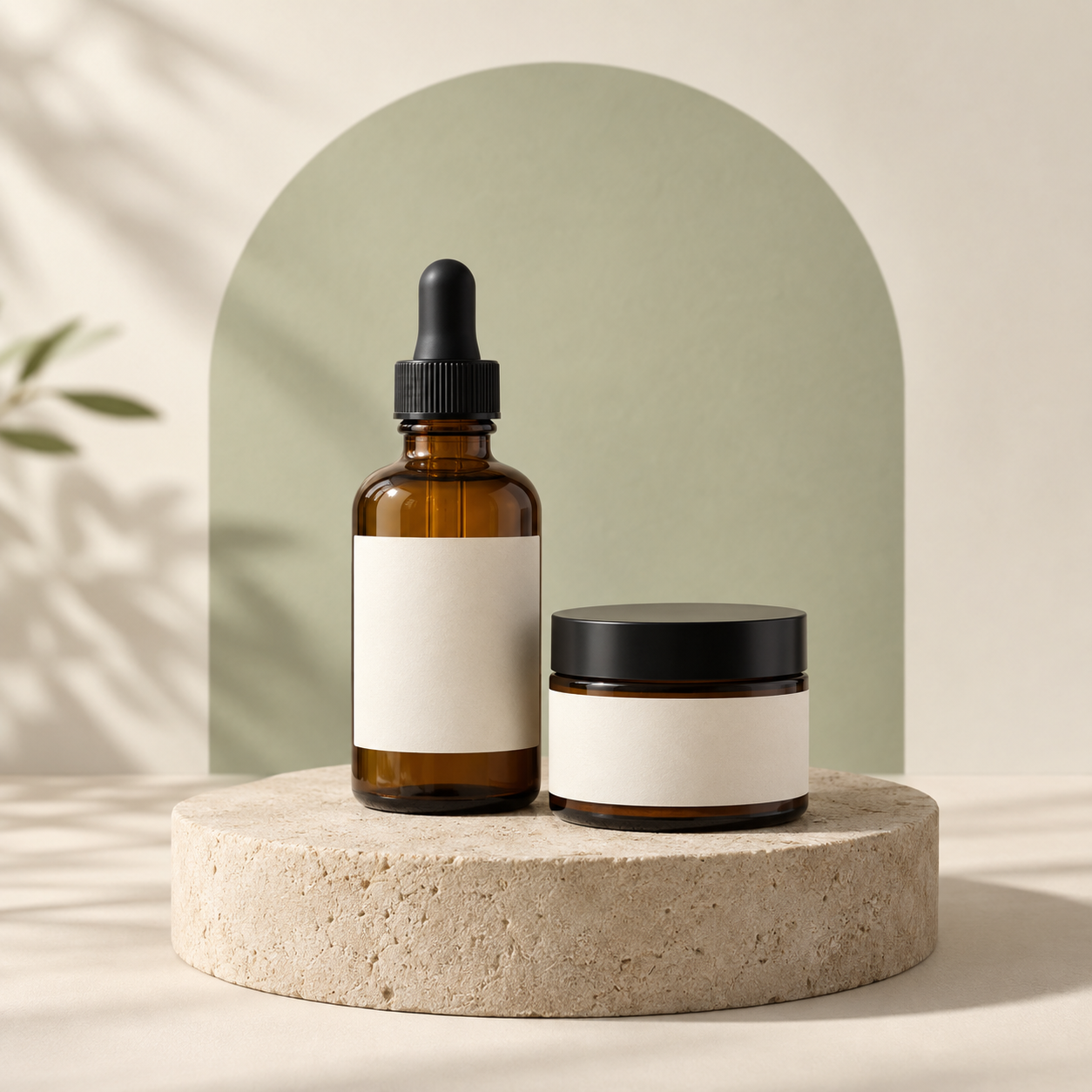
Unbranded amber skincare bottle and cream jar in a warm, softly lit product studio

Product Studio

Clean surfaces, controlled light, and room around a product for clear listings and launch visuals.

PromptA clean product studio background for an unbranded amber skincare bottle and cream jar, soft side light, natural contact shadows, warm ivory backdrop, muted sage arch, lightly textured stone plinth, room around the products, polished and realistic editorial style.

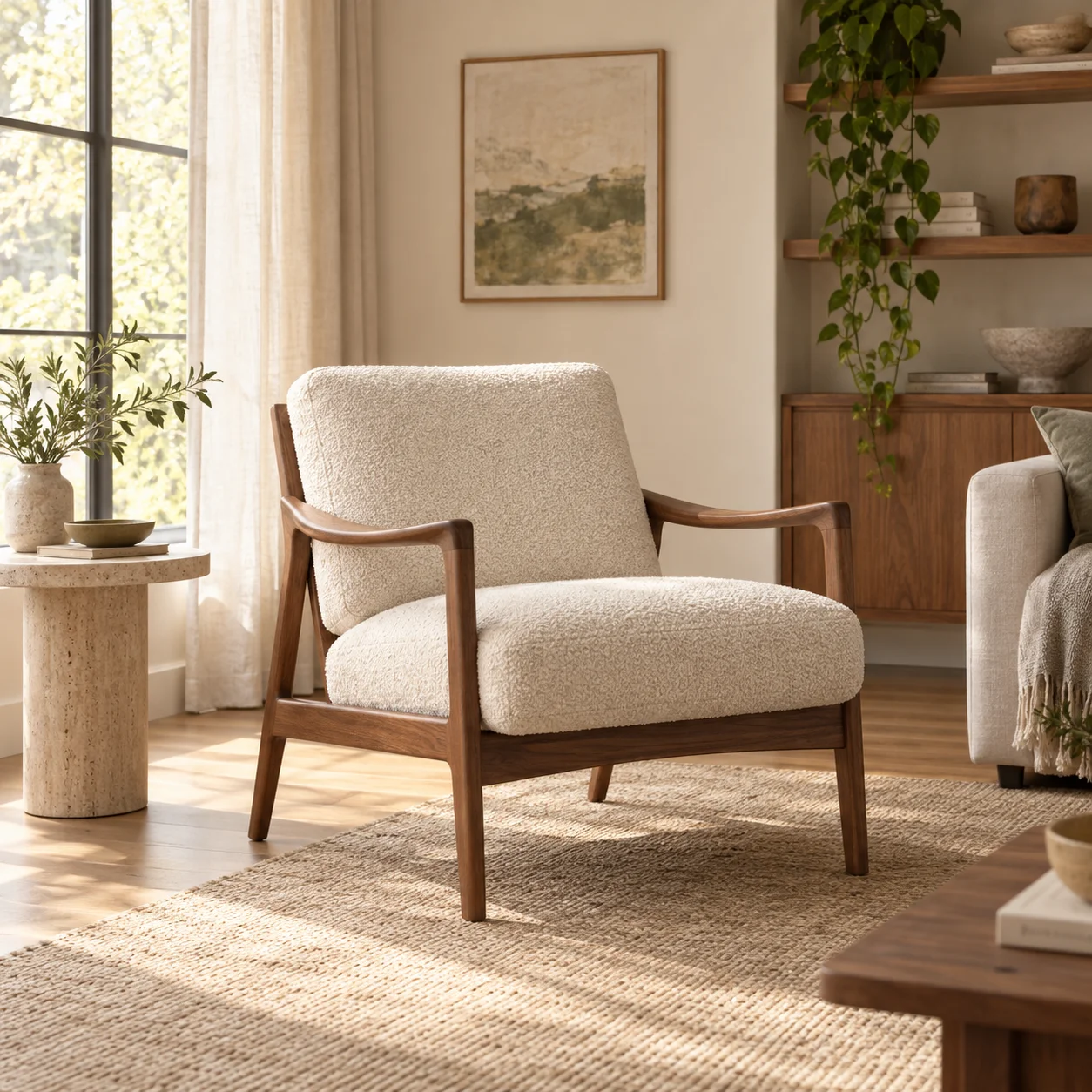
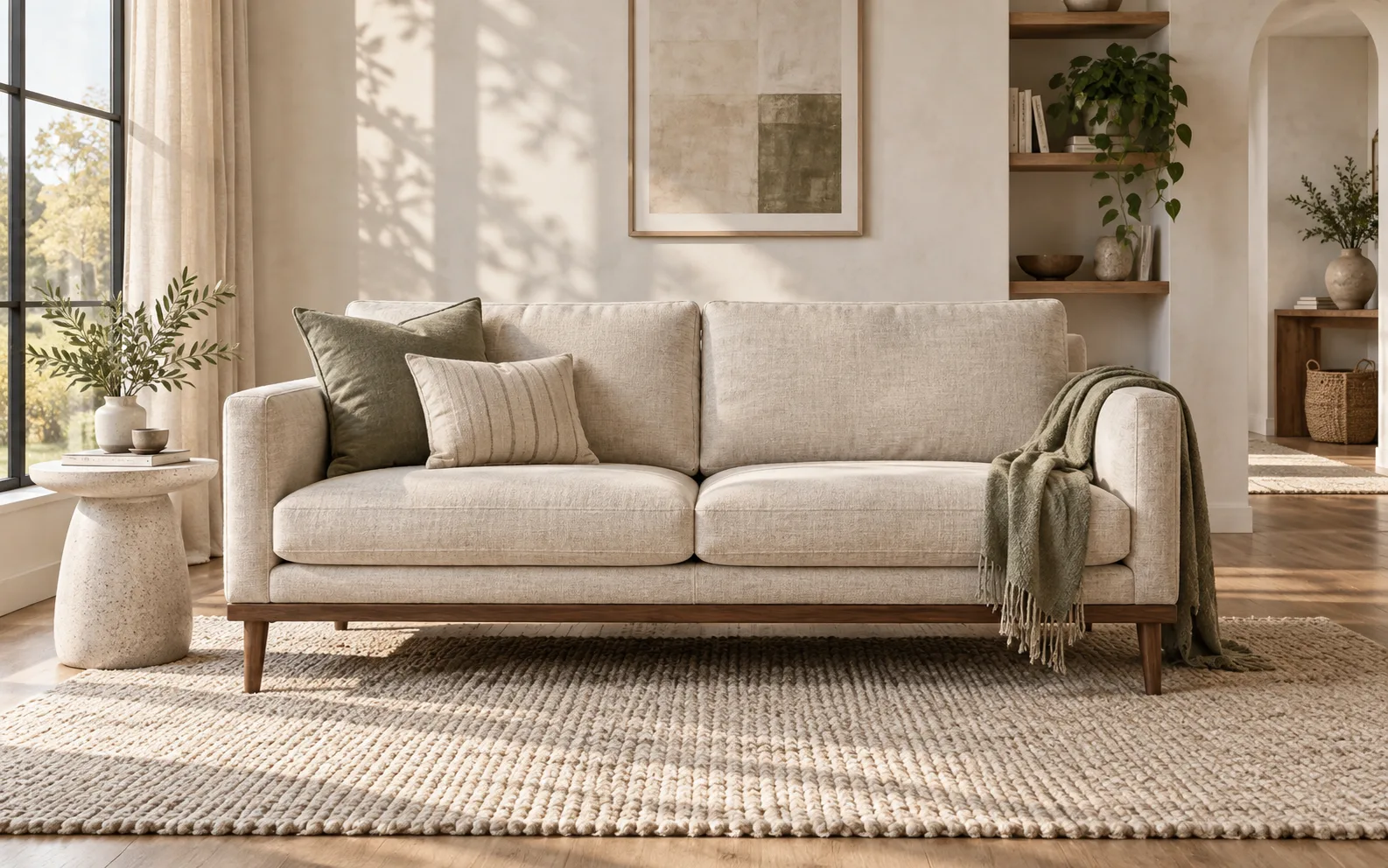
Walnut lounge chair with ivory bouclé upholstery in a sunlit contemporary living room

Furniture at Home

Warm, believable interiors that help furniture show scale, material, and atmosphere.

PromptA warm contemporary living room background for a walnut-framed lounge chair with ivory bouclé upholstery, soft late-morning window light from the left, light plaster walls, linen curtains, oak floor, a neutral woven rug, and a small stone side table. Keep the full chair at realistic scale with natural floor contact shadows and clear space around it, photorealistic furniture editorial style.

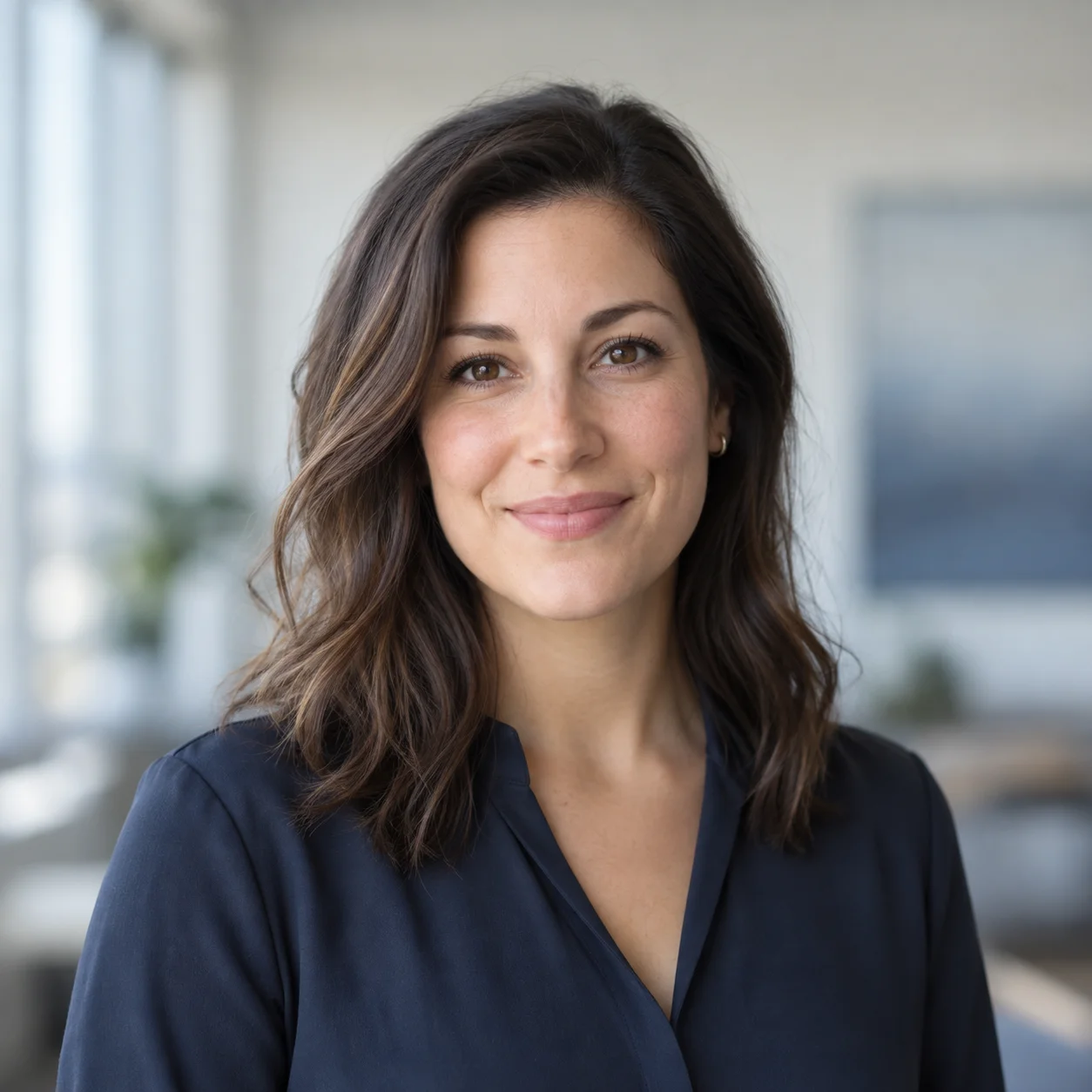
Professional head-and-shoulders portrait against a softly blurred modern office background

Professional Portrait

Simple, calm settings for a profile image that keeps the person as the focus.

PromptA centered head-and-shoulders portrait of a fictional adult woman in a navy blouse against a softly blurred modern office background in pale gray and muted blue. Soft diffused window light from the left, natural skin texture and hair edges, a relaxed expression, gentle depth, and room around the head for a LinkedIn profile crop. Photorealistic editorial style, no logos or text.

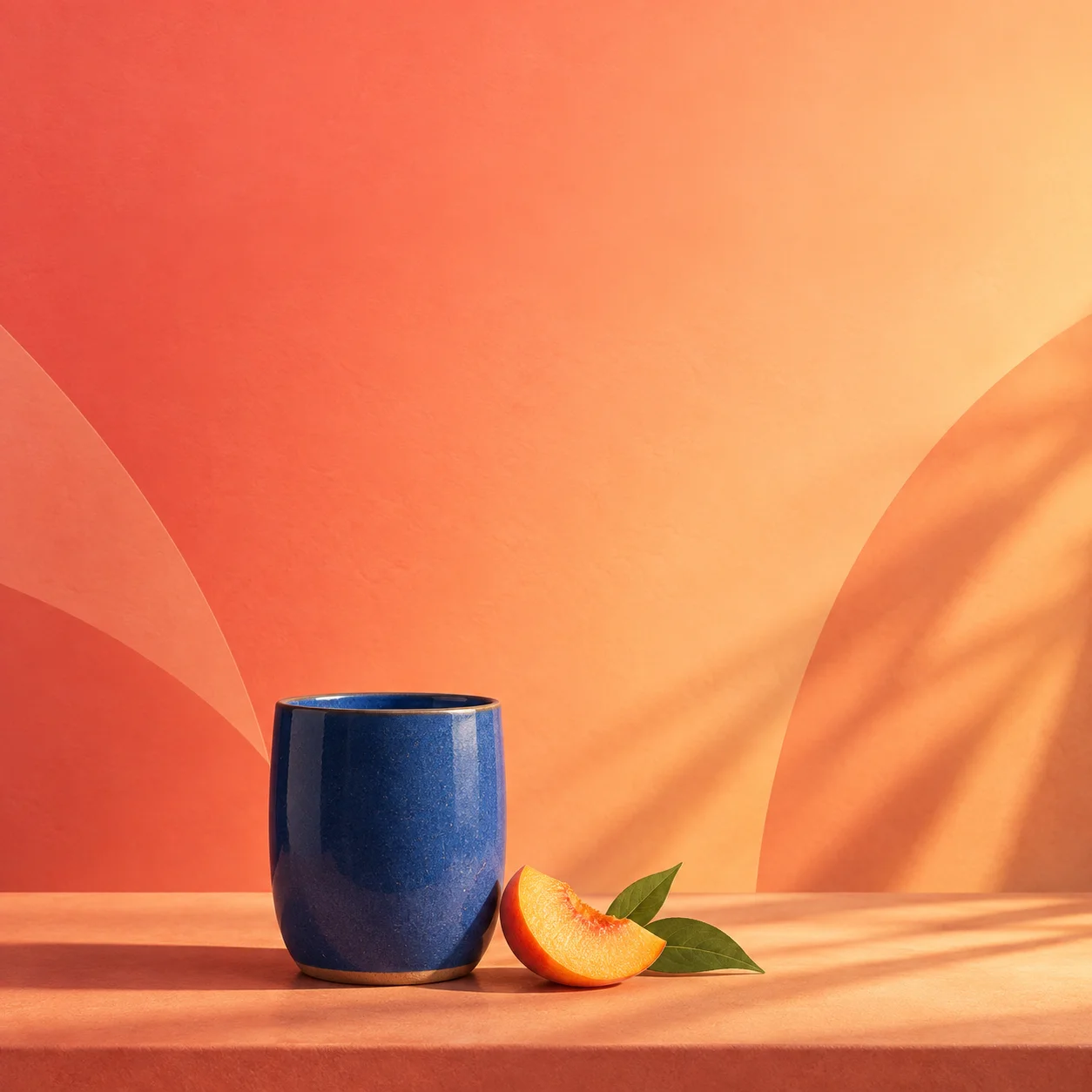
Cobalt-blue ceramic tumbler and peach slice below open space on a coral-to-apricot Instagram Story background

Instagram Story

Vertical scenes with intentional breathing room for a message, product, or creator update.

PromptAn Instagram Story background with a single unbranded cobalt-blue ceramic tumbler and peach slice on a warm coral surface. Coral-to-apricot gradient, subtle curved shapes, soft sunlit shadows, and generous clean space above for a headline. Contemporary editorial product style, composed for a vertical story crop, no text or logos.

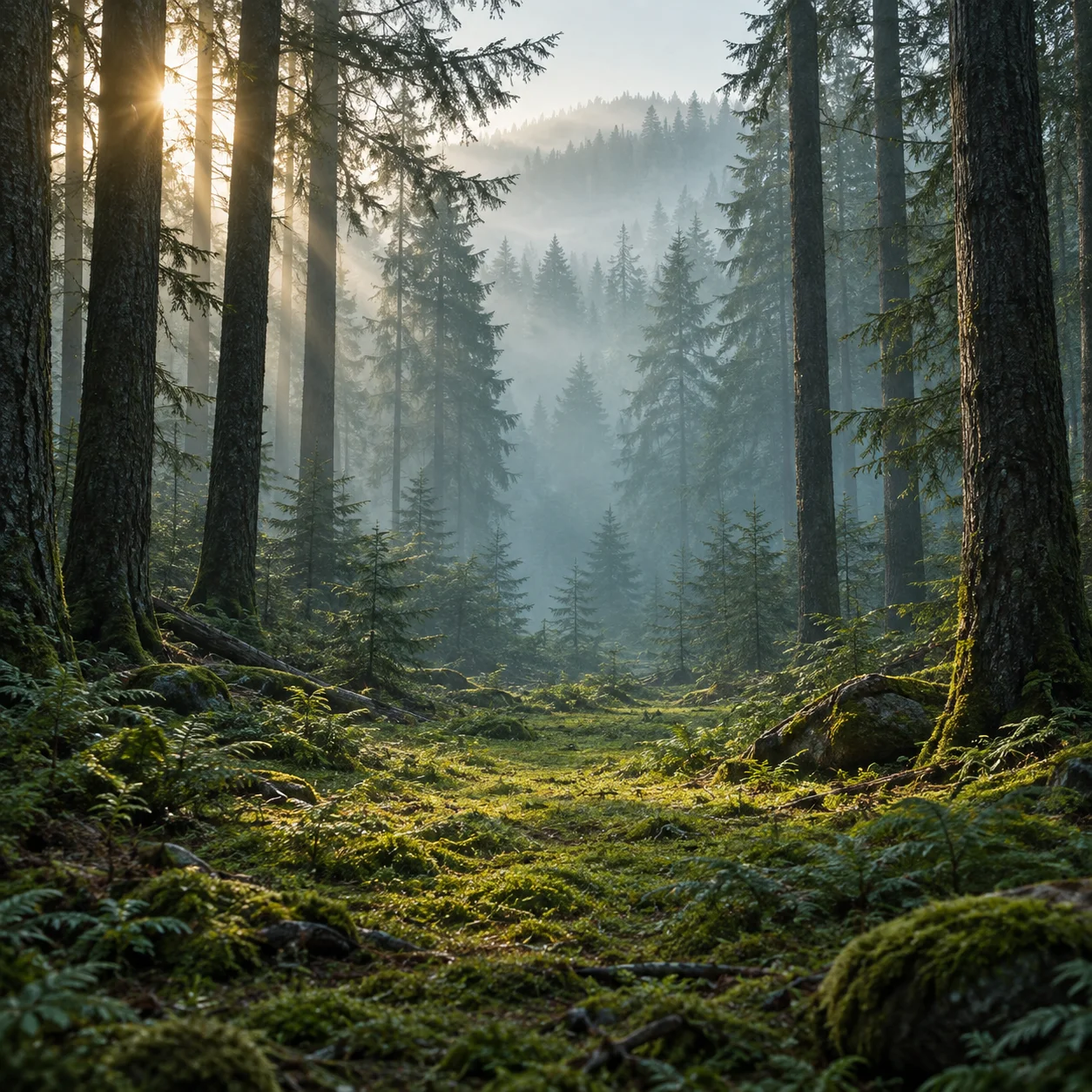
Layered pine trees, dawn light, and blue-green fog around an open mossy forest clearing

Misty Forest

Layered trees, depth, and soft atmosphere for a cinematic outdoor direction.

PromptA photorealistic misty forest background at dawn, with layered pine trunks fading into blue-green fog, soft sunlight filtering from the upper left, moss and ferns in the foreground, and an open central clearing for a subject. Natural atmospheric depth, believable shadows, calm cinematic mood, no people or text.

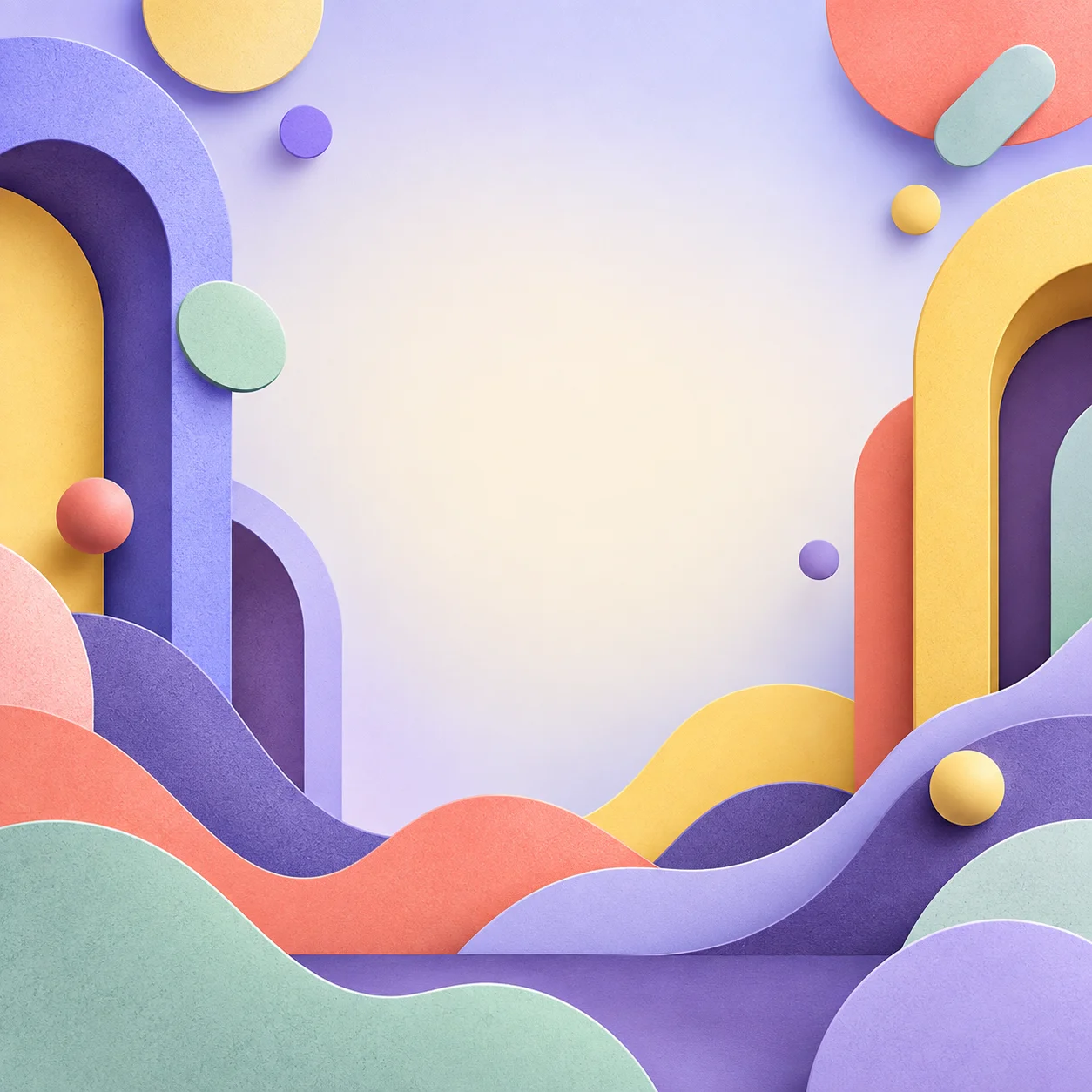
Colorful abstract illustration with rounded arches, layered paper waves, and clear center space

Abstract or Cartoon

Graphic color, simple shapes, and an original playful direction for expressive visuals.

PromptAn original abstract cartoon background with oversized rounded arches, layered cut-paper waves, and a few floating circles around the edges. Periwinkle, butter yellow, coral, deep plum, and pale mint palette, subtle grain and soft dimensional shadows. Keep the center open for a future subject or headline; playful editorial illustration, no characters or text.

Natural subject fit

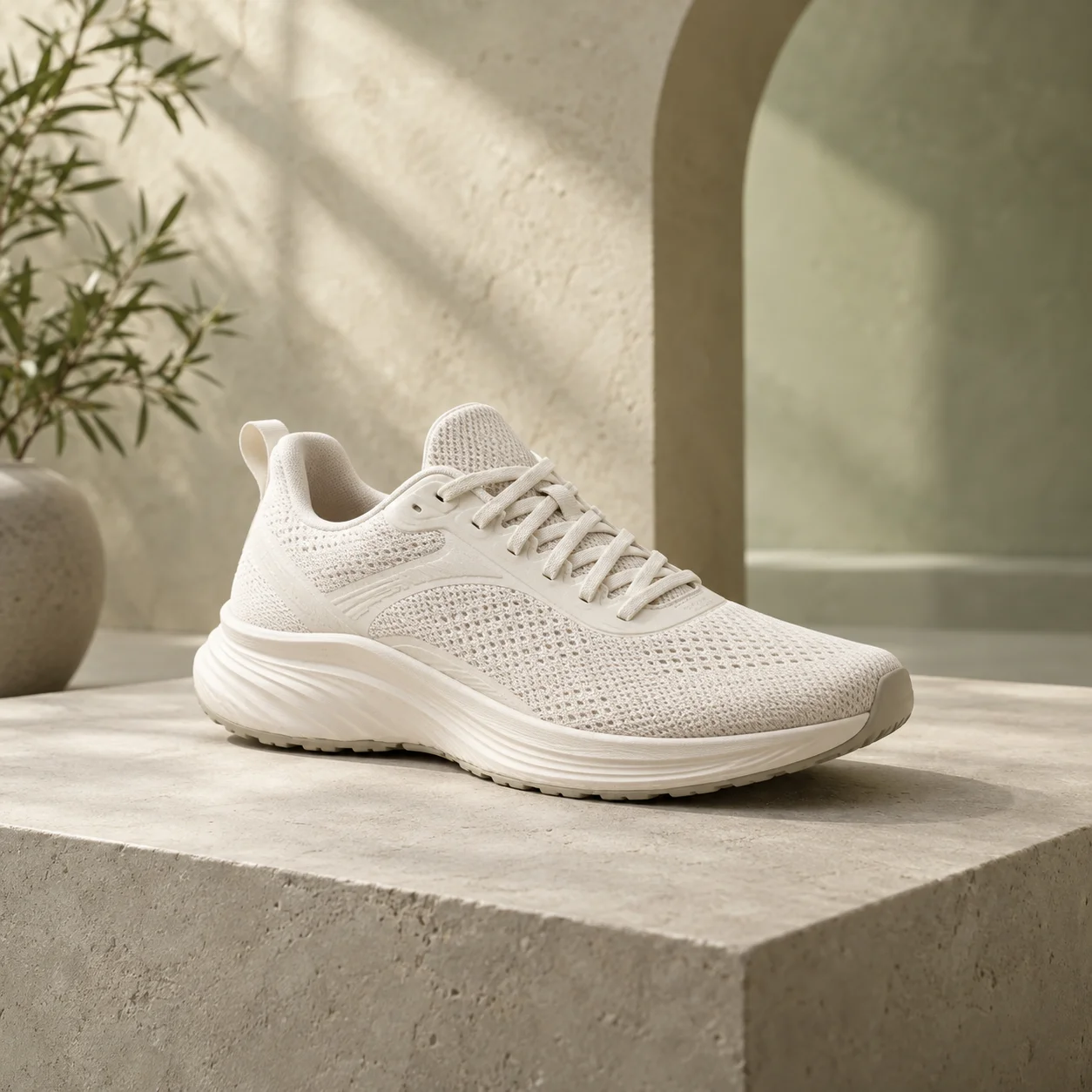
Turn Plain Product Photos Into Store-Ready Scenes

Create clean, on-brand settings for product photos without booking a studio or building a physical set.

Generate backgrounds that help products look consistent across product pages, ads, and marketplaces.

Unbranded off-white running sneaker on a warm microcement platform in a naturally lit store-ready product scene

Placement-ready prompts

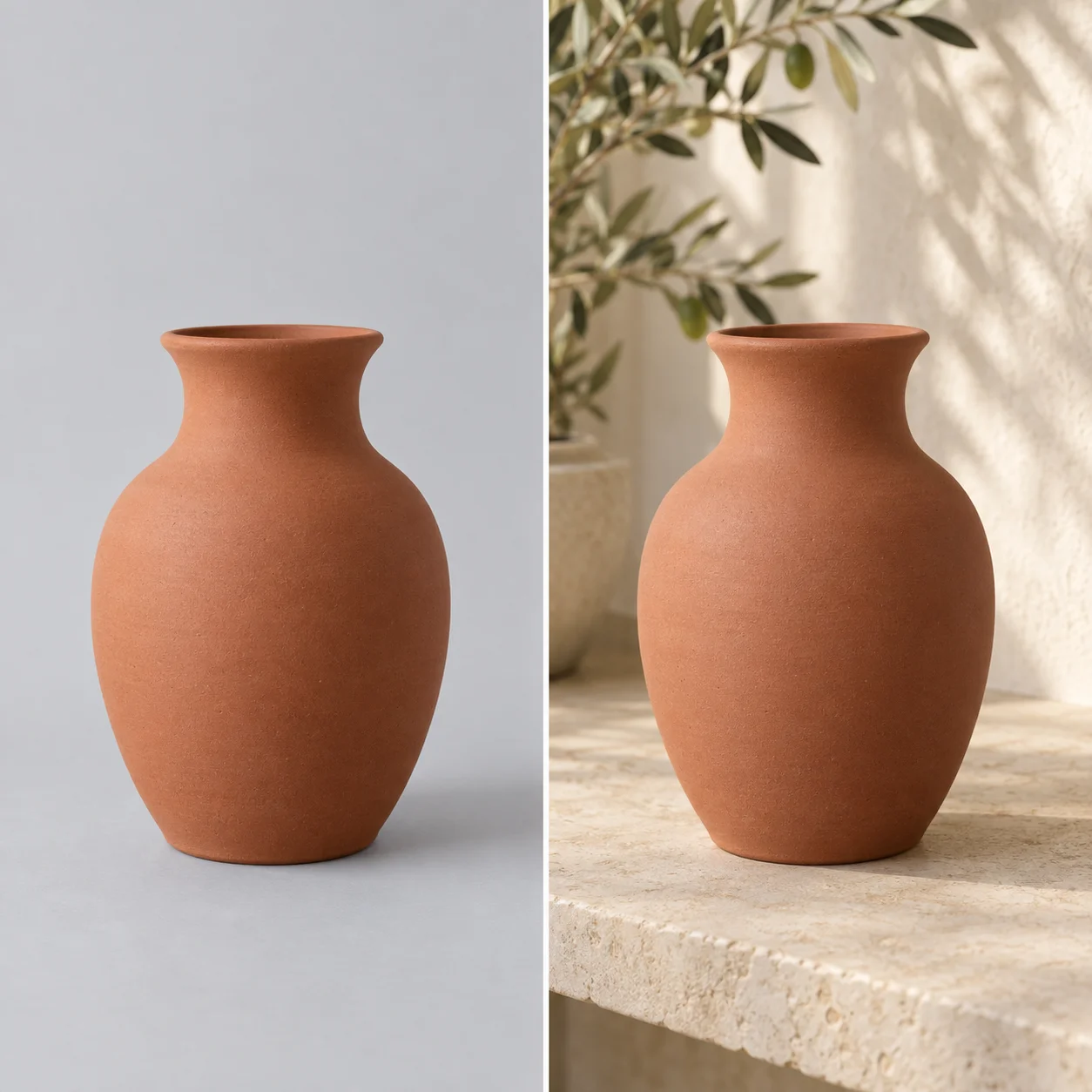
Replace Photo Backgrounds Without Reshoots or Masking

Upload an existing image and make a new setting around the subject.

An AI photo background generator helps you test cleaner, more professional looks while keeping your original photo workflow simple.

Before-and-after background example showing the same terracotta vase on a plain gray backdrop and a sunlit interior shelf
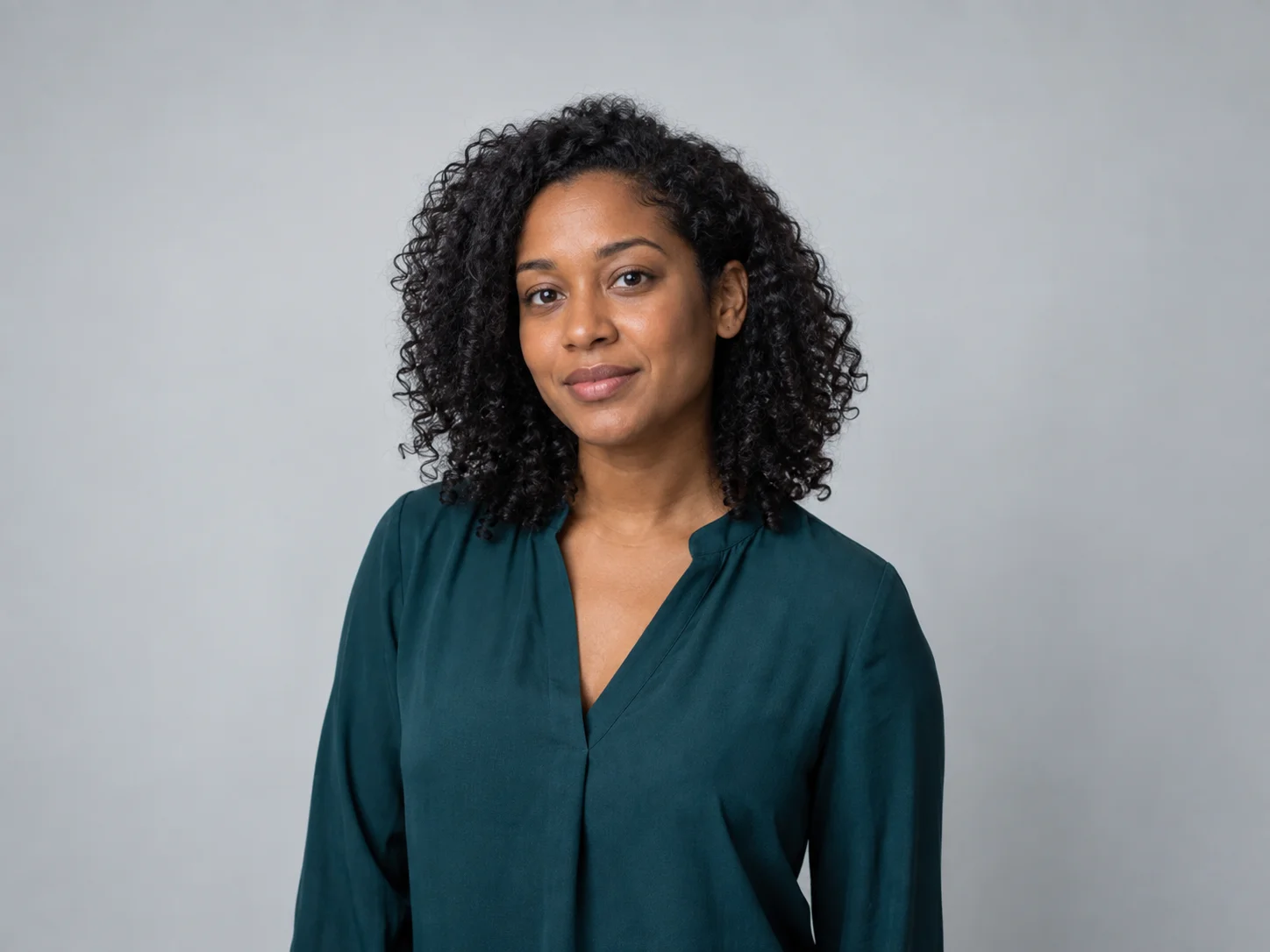
Fictional woman in a teal blouse against a plain gray backdrop before changing the background Check details Ready to review

Publish-ready check

Create the Exact Scene You Have in Mind

Describe a bright studio, cozy living room, forest trail, or bold graphic style, then generate a fresh scene from text. Adjust ideas quickly until the background feels right for your photo.

A clear first pass

Create an AI Background in Three Clear Steps

Create a polished AI-generated background in three quick steps—no editing experience required.

  1. 01

    Upload a photo or describe a scene

    Start with a permitted image or write the background direction you want to create.

  2. 02

    Choose a style and add details

    Add lighting, setting, colors, product mood, and the final placement or crop.

  3. 03

    Generate, review, and refine

    Compare the options, check key details, and revise your prompt when one part needs attention.

Why Choose Our AI Background Generator?

Make more useful images with a faster, simpler way to create backgrounds for real projects.

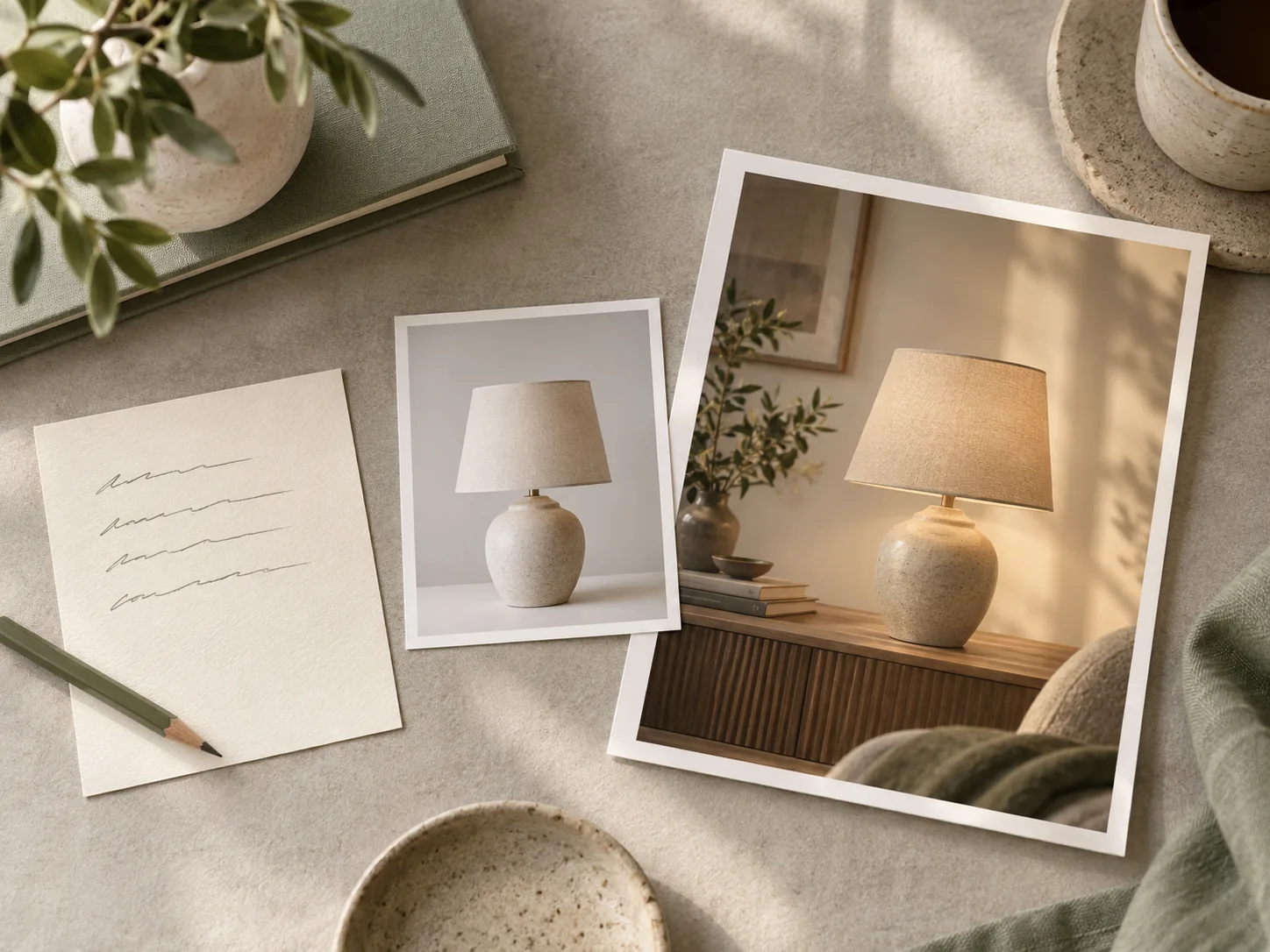
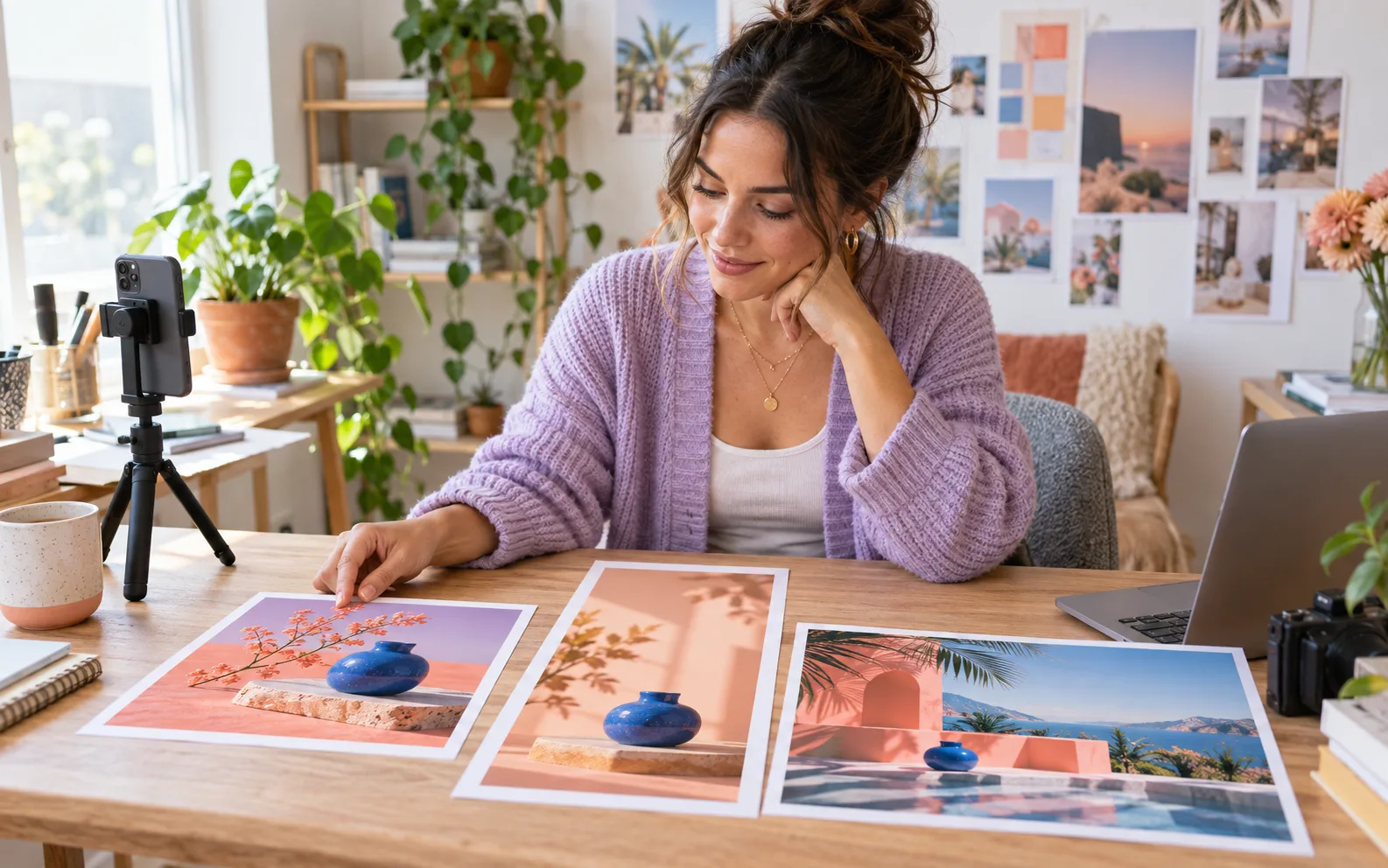
Prompt note and reference photo beside a finished lamp scene with a new background

Start From Text or an Image

Build a scene from an idea or refresh a background in a photo you already have.

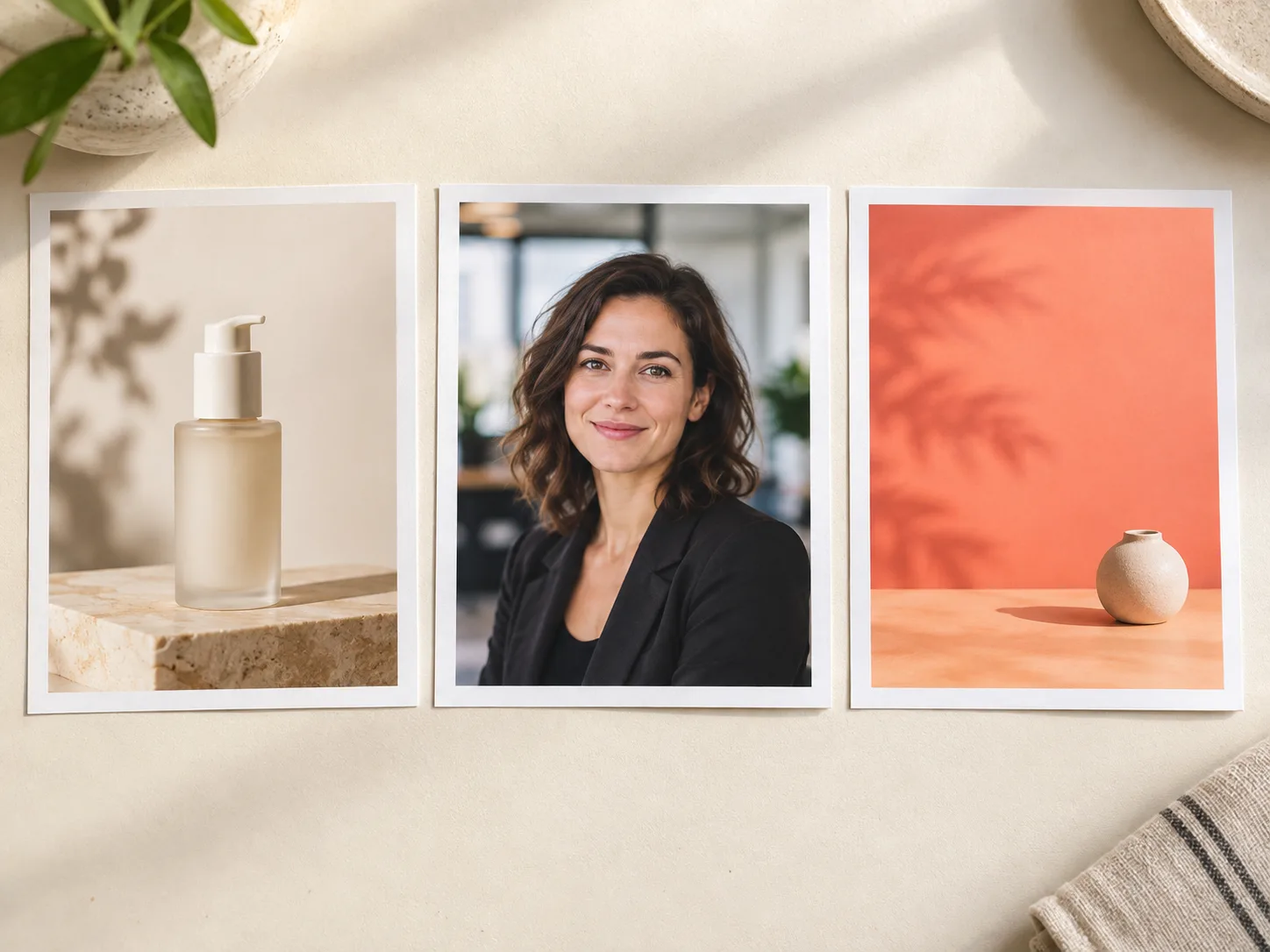
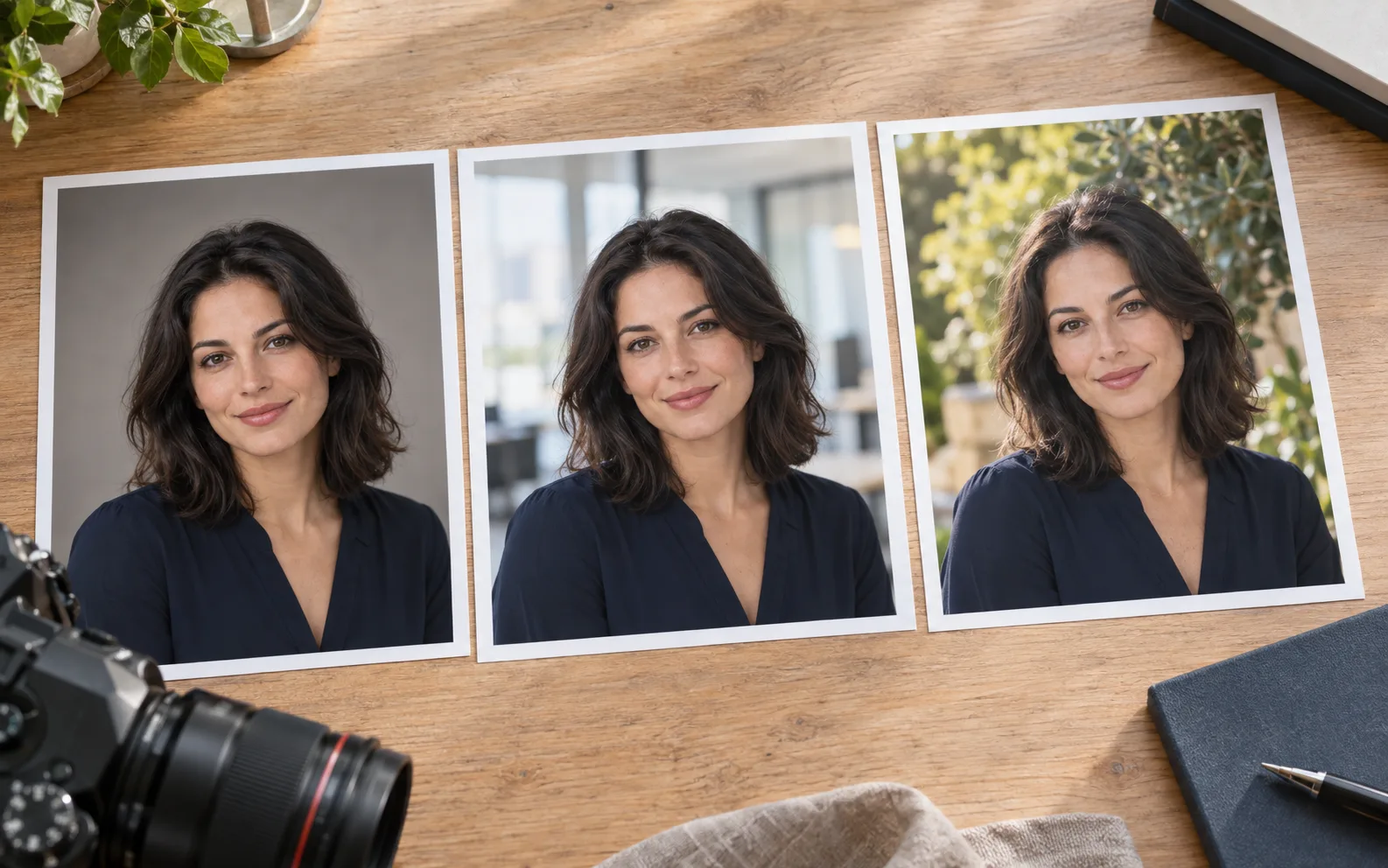
Product, professional portrait, and social post examples with distinct backgrounds

Made for Everyday Visual Work

Create backgrounds for products, portraits, social posts, and professional profiles in one place.

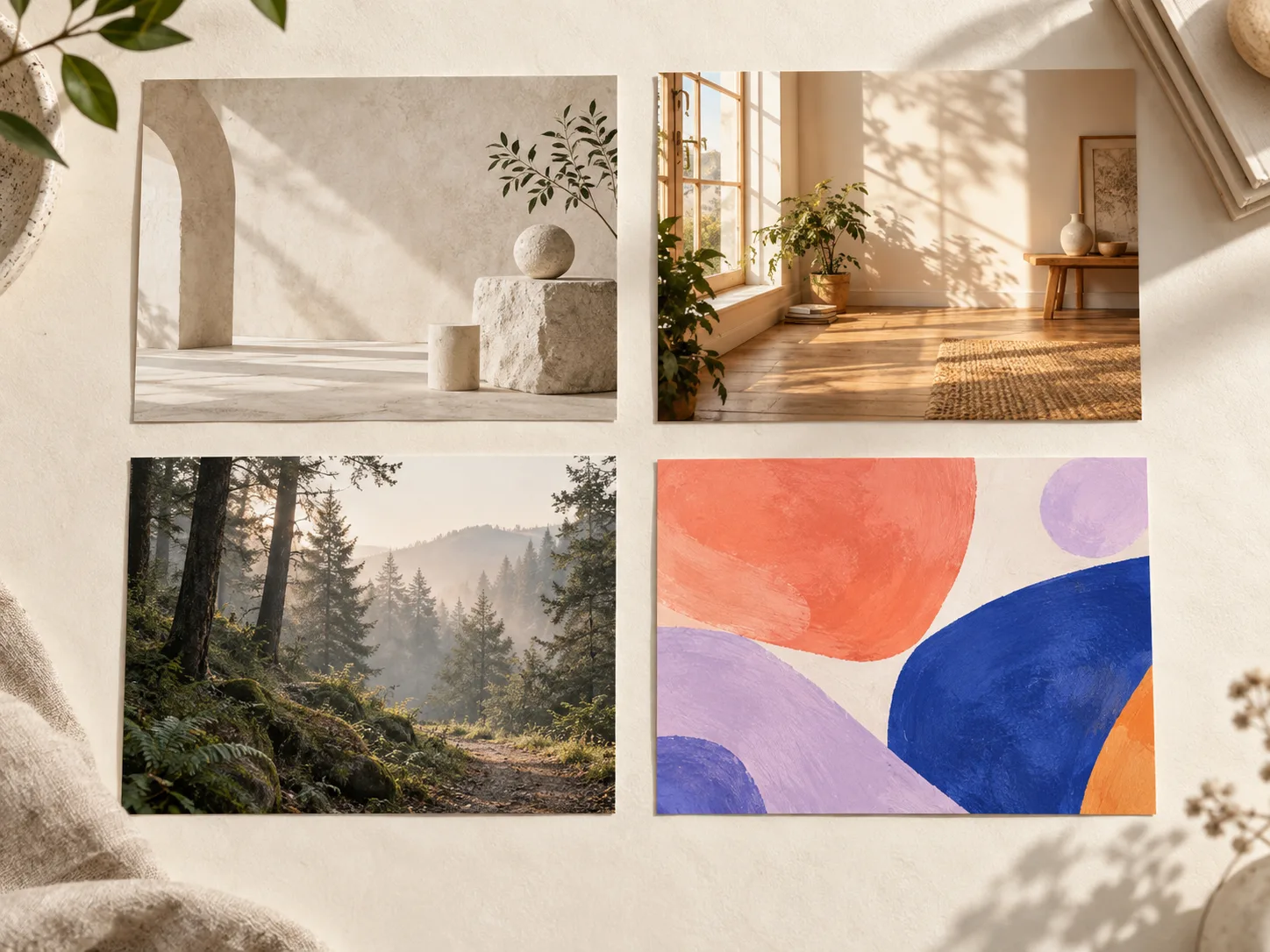
Four background styles: studio, home interior, misty forest, and abstract art

Explore More Creative Directions

Try studio, lifestyle, natural, minimal, or artistic looks without starting from scratch.

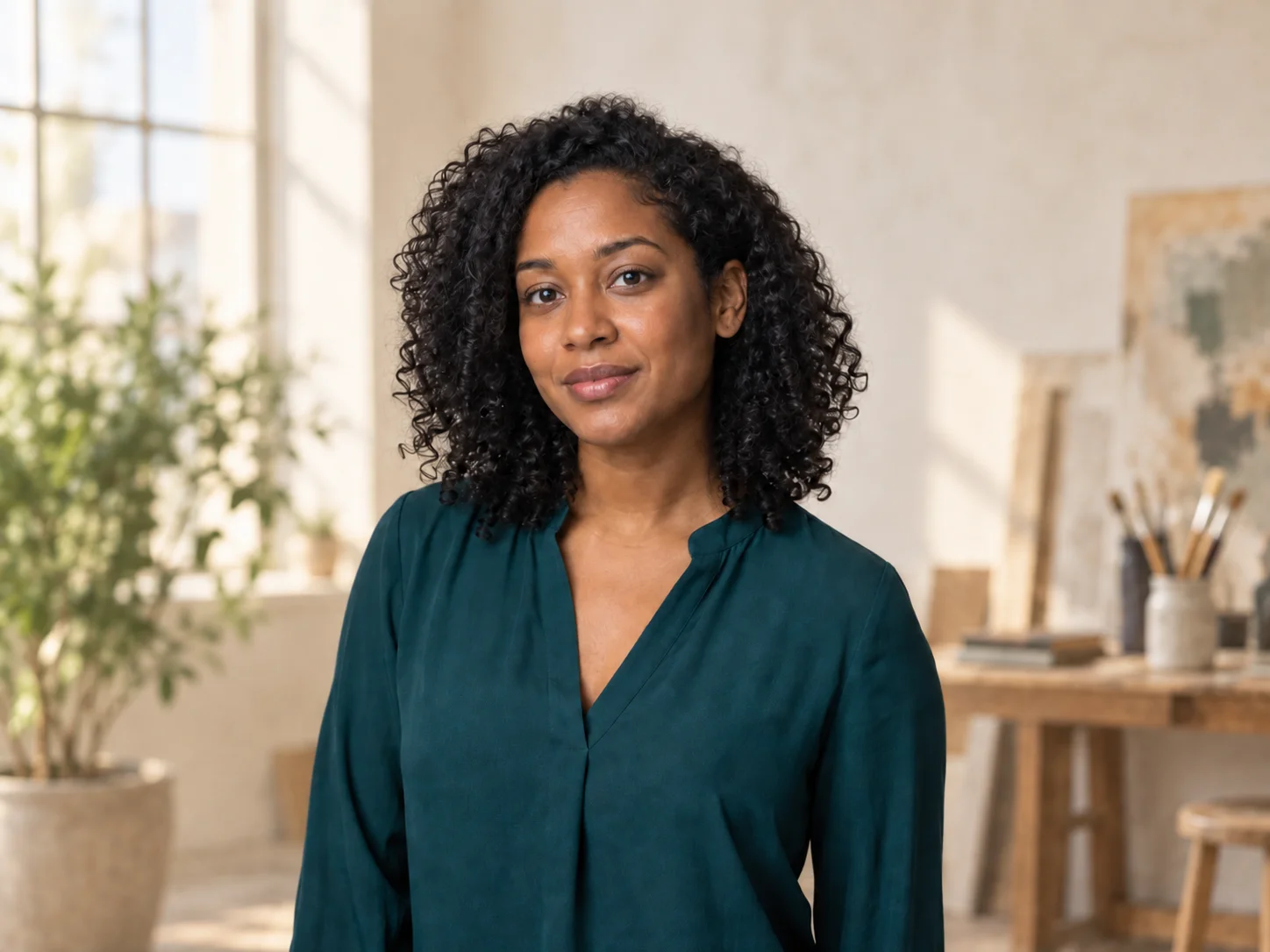
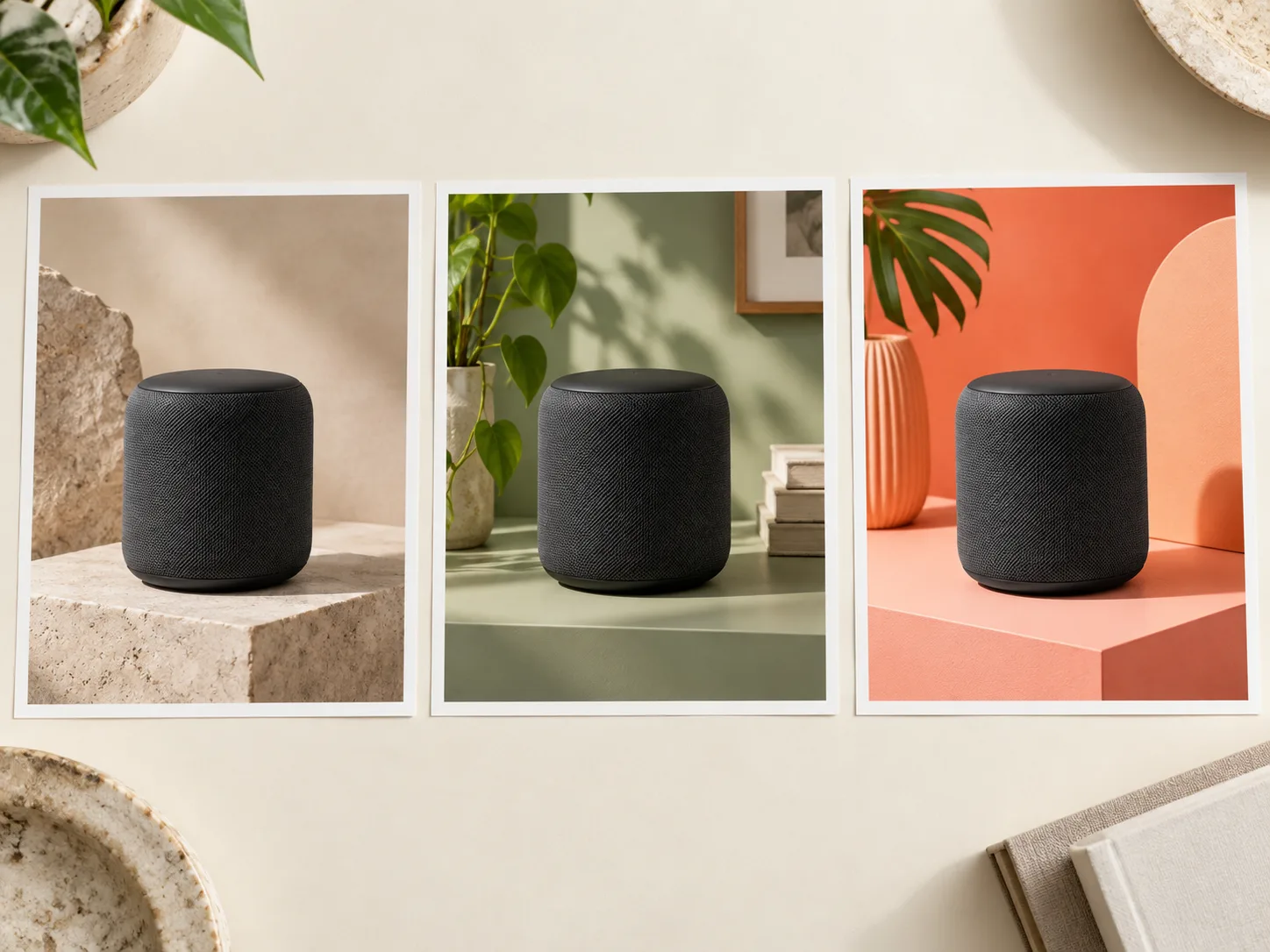
Same speaker shown against three different backgrounds for comparison

Fast Enough to Test Ideas

Generate several directions, compare them, and choose the one that best supports your goal.

Who it helps

Background Ideas for the Work You Do

Choose a starting point that fits your audience, platform, and visual goal.

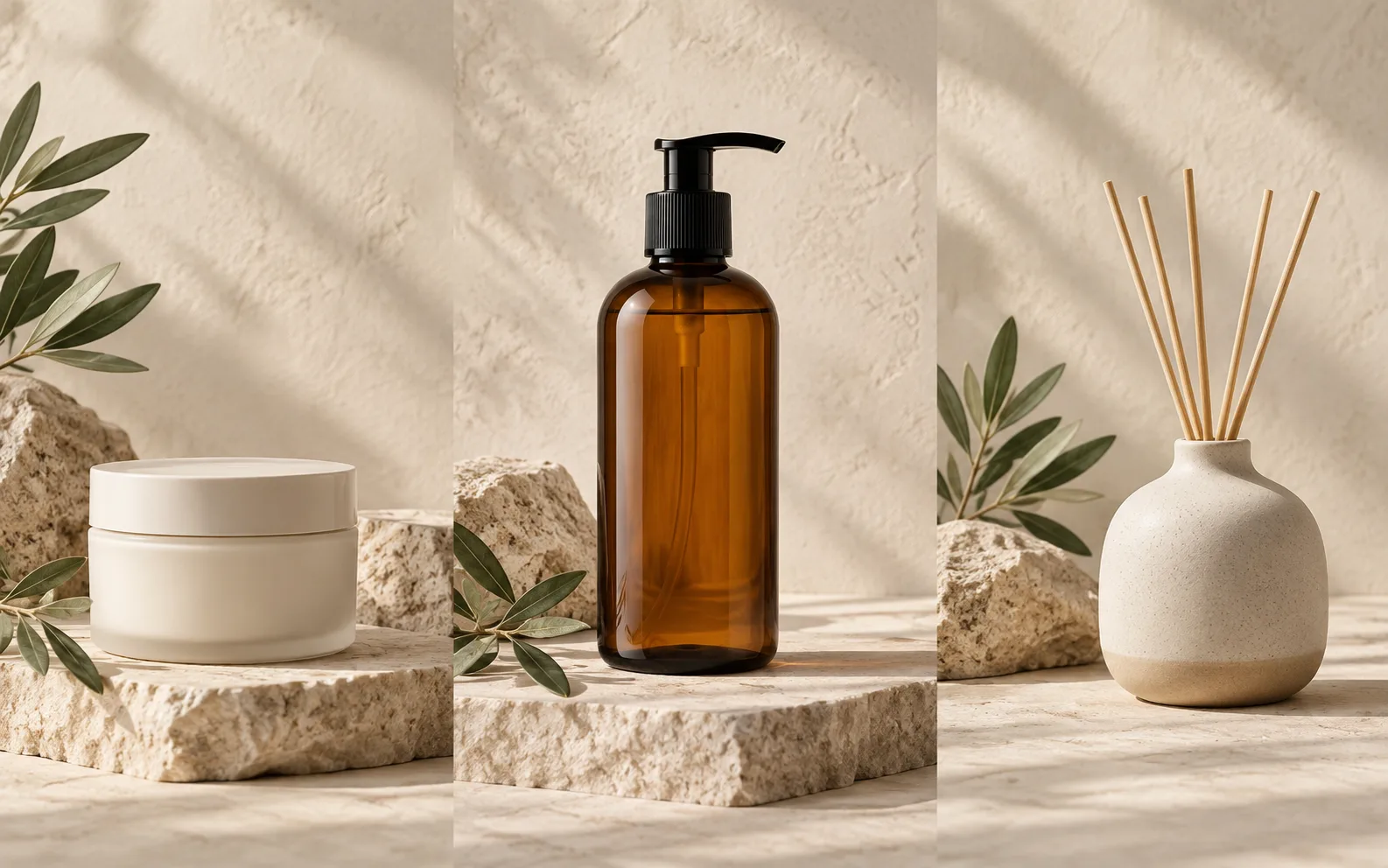
Three unbranded shop products photographed with consistent warm studio backgrounds

E-commerce Sellers

Create consistent AI-generated backgrounds for product listings, promotions, and seasonal campaigns without arranging a new shoot for every item.

AI background generator help

Questions About AI-Generated Backgrounds

Learn how to create, customize, and use AI backgrounds for photos, products, and creative projects.

What is an AI background generator?

It uses a text description, an image, or both to create a new setting for an image. Review the result before using it in a finished visual.

Can I generate a background from my photo?

Use a photo you own or may use, then describe what should change around the subject. Check the result for edges, lighting, and unwanted changes before publishing.

Can I create a background from text?

Yes. Describe the location, lighting, colors, mood, and style you want. The more specific your prompt is, the easier it is to create a result close to your idea.

Is the AI background generator free to try?

Yes. Create a free account or sign in to use welcome credits. Check your current balance, generation limits, and export options before you create.

Can I use AI-generated backgrounds for product photos?

Yes. Create a setting that supports the product without distracting from it, then check details, lighting, and crop before using it in a listing or campaign.

Can I make backgrounds for Instagram or LinkedIn photos?

Yes. Choose a setting that fits an Instagram content style or a professional LinkedIn image, and match the mood, crop, and level of formality to the platform.

Your scene, your direction

Start With the Background You Can Describe

Bring a permitted photo or a clear scene idea. Describe the setting, light, and final placement, then create an original background direction and review the details before you share it.