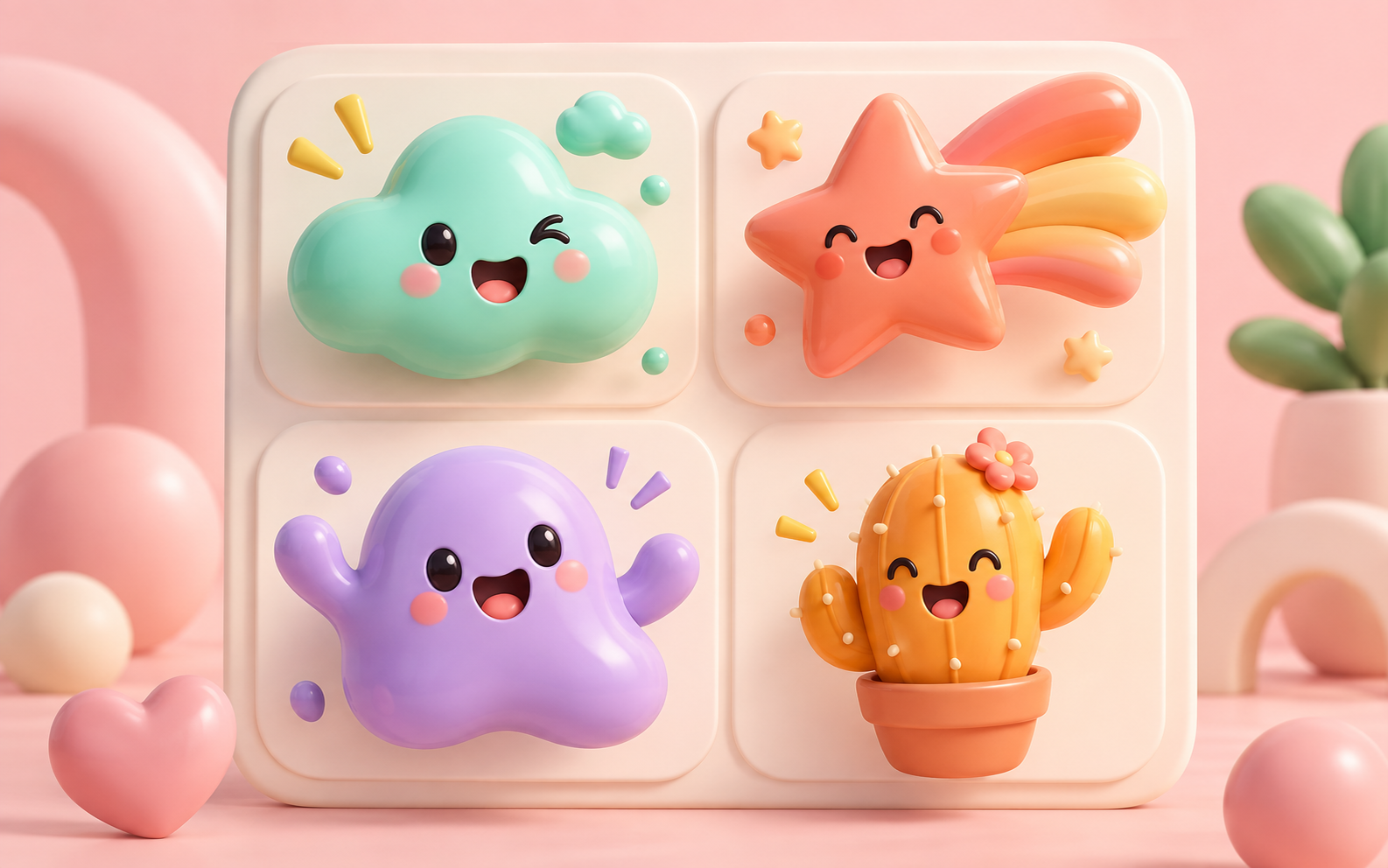
Is there a free AI emoji generator?
+
Yes. Create a free account or sign in to receive welcome credits, then make original emoji-style artwork from a prompt or permitted reference image. Check the generator for its current export options.
How do I generate AI emojis from text?
+
Start with the emotion, one subject, and one visual style, then add the details that matter in chat, such as an outline or centered crop. Add a permitted reference image only when you want to guide recognizable details.
Can I create an emoji from an image?
+
Yes. A permitted reference image can guide a pet, avatar, mascot, or product-inspired emoji. Only upload material you are allowed to use.
Is this Apple’s AI emoji generator, Genmoji?
+
Apple calls its feature Genmoji. Availability depends on compatible Apple devices, software, language, and region. This online tool is not Apple Genmoji.
How do I make an AI generated crying emoji?
+
Start with one emotion and a simple shape: for example, “round blue face, oversized tears, simple sad mouth, thick white outline, readable at 24px.”
How do I make an AI emoji clear in chat?
+
Use one dominant expression, a clean silhouette, high contrast, a clear outline, and enough padding so circular previews do not crop the subject.
Can I use AI generated emojis commercially?
+
Review the generator terms, the rights to any source image, and the target platform’s policies before commercial or public use. Avoid copying recognizable platform emoji designs.
Can I use an AI emoji in my chat app or community?
+
After generating, check your destination app’s current image, size, transparency, and moderation requirements before uploading or sharing the emoji.