Easy AI Generators

Turn Your Tattoo Idea Into a Design to Show Your Artist

Describe the tattoo you have in mind or add a reference photo you have permission to use. Create a visual concept in a few steps for your first tattoo, next piece, or artist consultation—no drawing skills needed.

SUBJECTSTYLEMOODPLACEMENT

Optional: add a permitted reference image and describe what to keep or change.

Write your tattoo brief, optionally add a permitted reference image, then continue to the image generator.

Design directions

Explore AI-Generated Tattoo Design Ideas

Browse six directions: fine-line florals, bold traditional art, meaningful names, small symbols, sleeve concepts, and cover-up inspiration. Compare subject, contrast, and detail before writing your own tattoo brief.

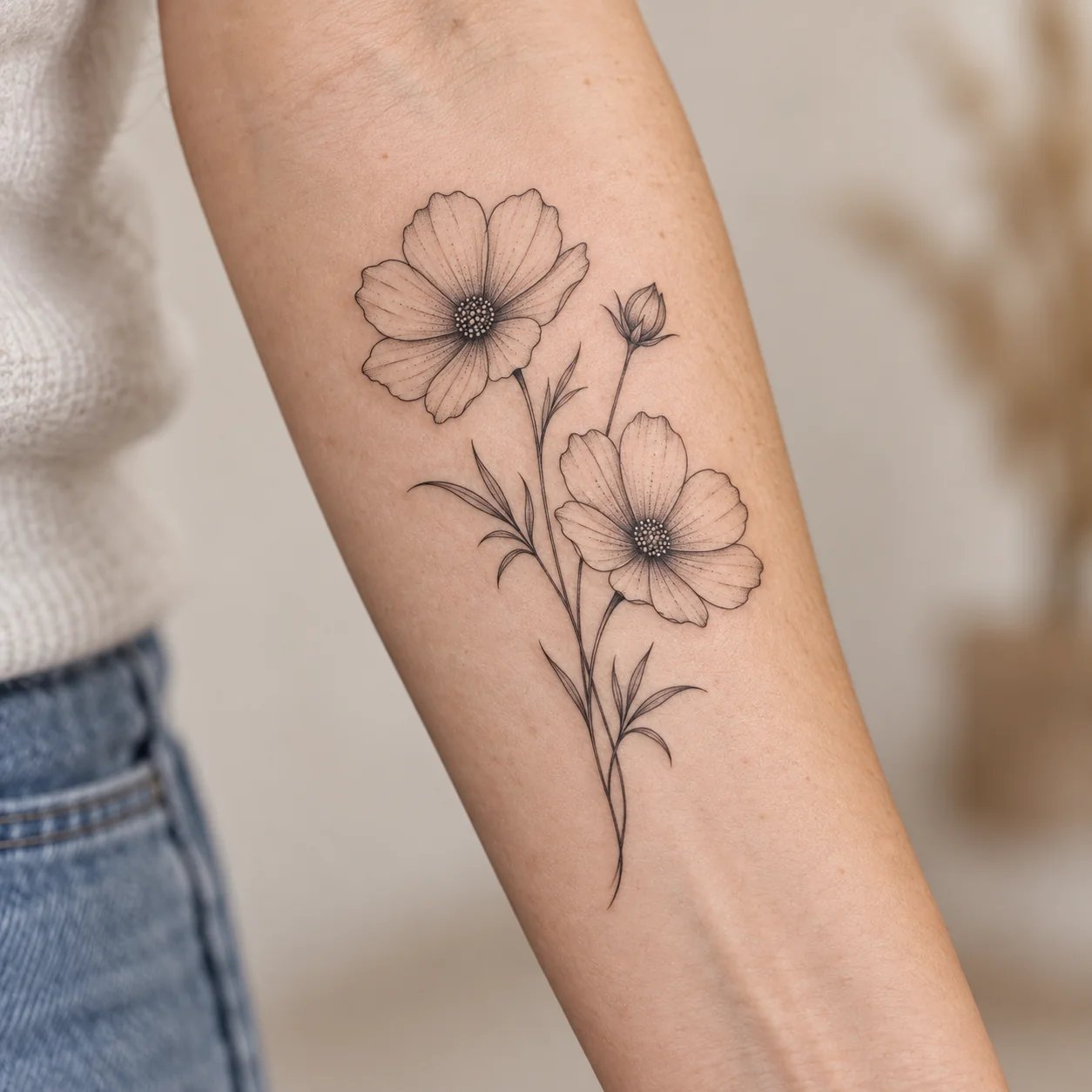
Fine-line floral tattoo with two flowers, one bud, and slender leaves on an adult inner forearm

Fine-Line Florals

See how delicate blooms and open space read on an inner forearm; confirm size and placement with your artist.

PromptPhotorealistic close-up of an adult inner forearm with a delicate black fine-line tattoo of two open cosmos flowers, one bud, and narrow leaves on slender crossing stems. Natural skin texture, realistic scale, single-needle linework, subtle dot shading, soft daylight, and a neutral background. Show the full tattoo; no text or other tattoos.
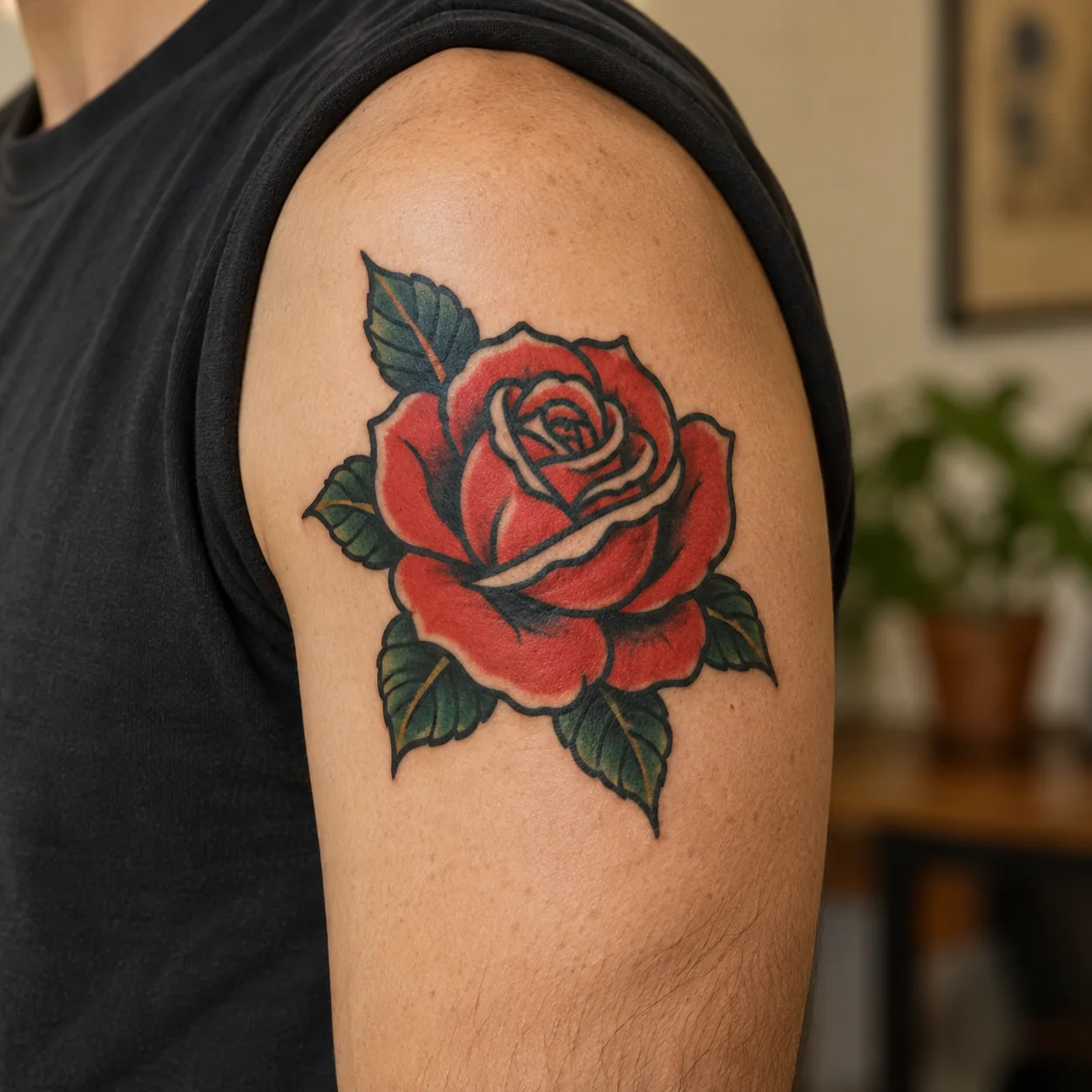
Bold red rose tattoo with thick black outlines and dark green leaves on an adult outer upper arm

Bold Traditional Art

See how a red rose with strong outlines and limited color reads clearly on an upper arm; ask your artist to tailor the final size.

PromptPhotorealistic close-up of an adult outer upper arm with a medium-sized, healed American traditional tattoo of one red rose and a few dark green leaves. Strong black outlines, solid red and green fills, restrained black shading, natural skin texture, soft daylight, and a warm neutral background. Show the full tattoo; no text or other tattoos.
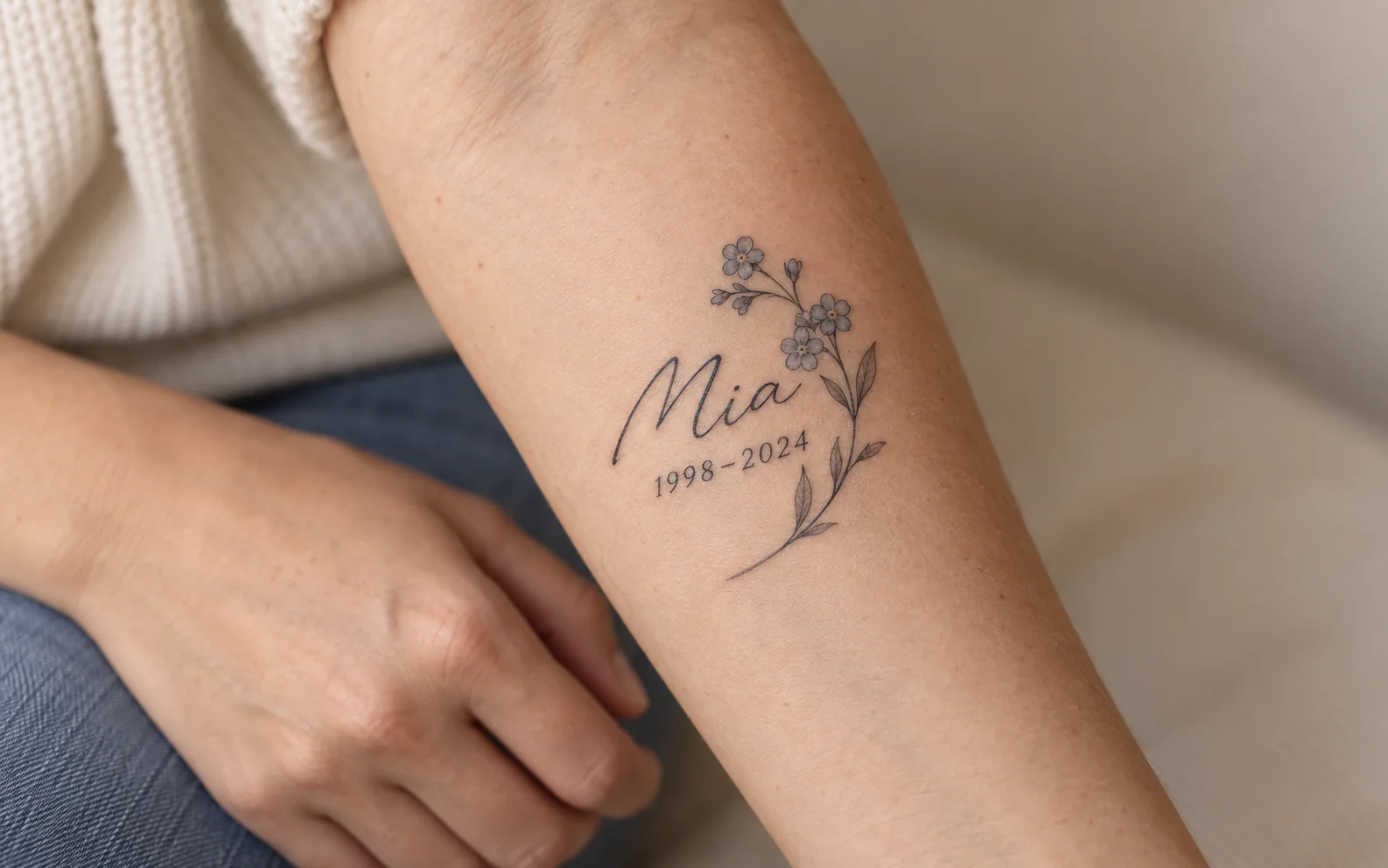
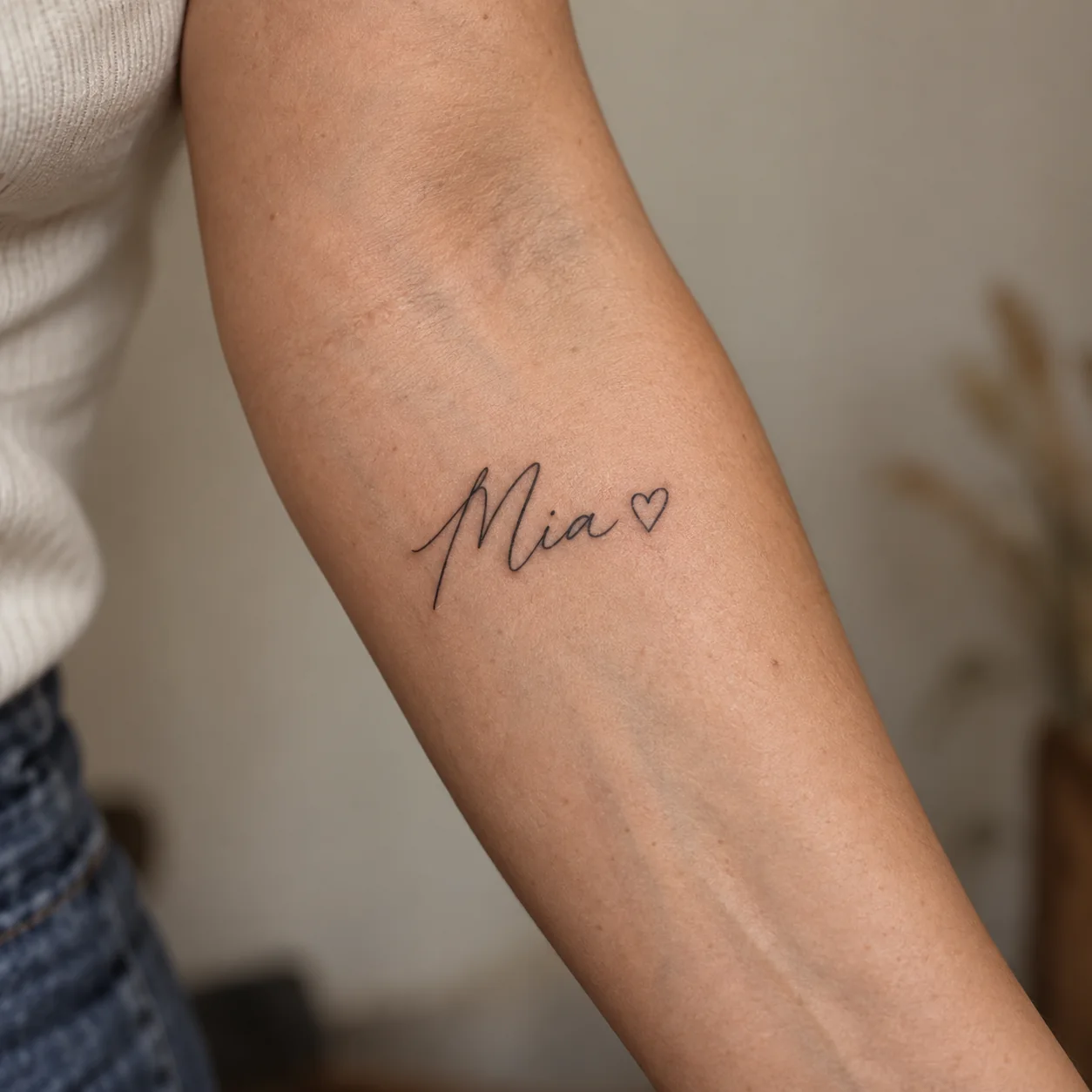
Fine-line Mia name tattoo with a small outline heart on an adult inner forearm

Meaningful Names

See how the name Mia pairs with a small outline heart on an inner forearm; verify every letter and placement with your artist.

PromptPhotorealistic close-up of an adult inner forearm with a small, healed black fine-line tattoo of the exact name “Mia” in elegant, clearly legible handwritten script, followed by one tiny outline heart. Natural skin texture, realistic scale, delicate ink, soft daylight, and a warm neutral background. Show the full tattoo; no other text, symbols, or tattoos.

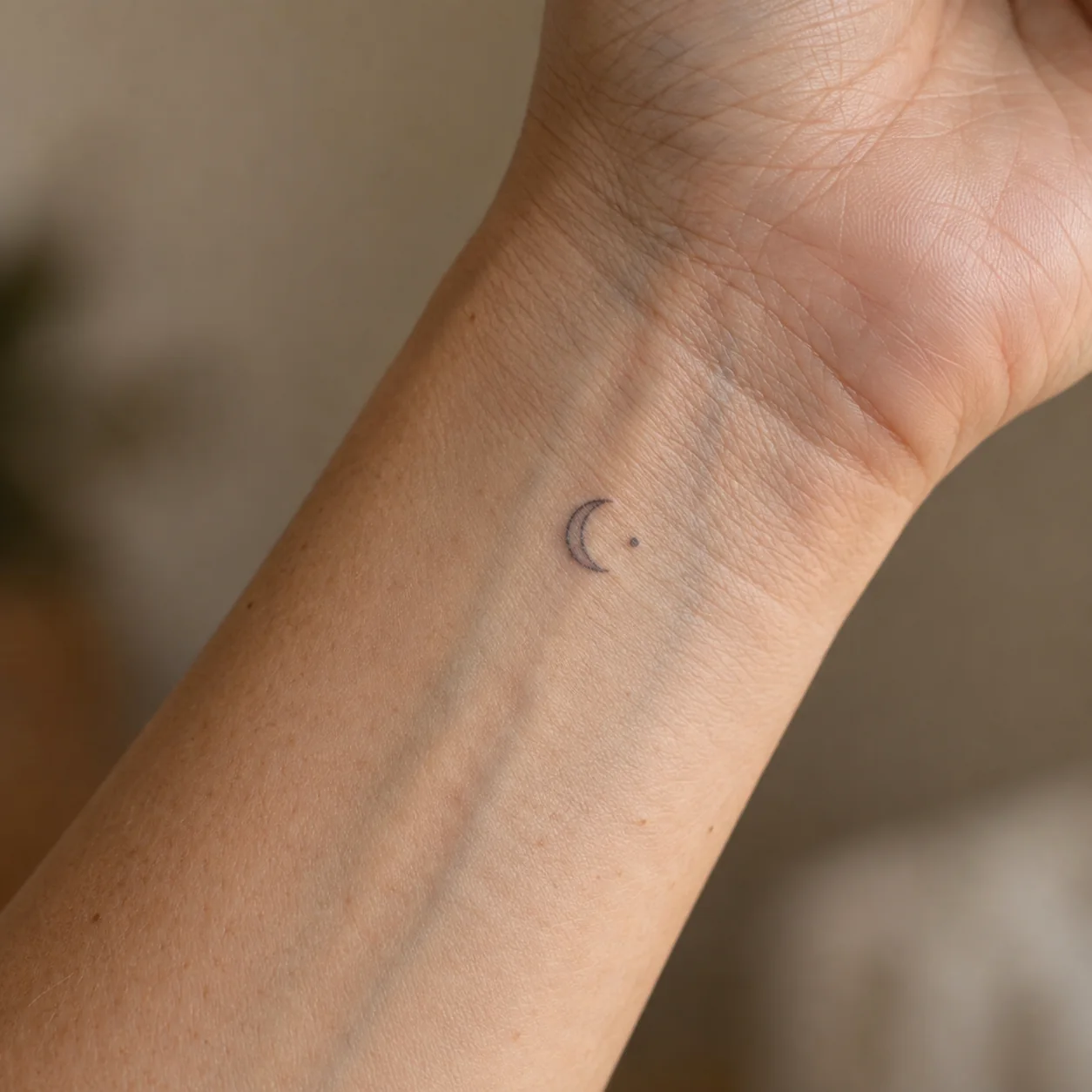
Tiny crescent moon and dot tattoo on an adult inner wrist

Small Symbols

See how a tiny crescent and dot read on an inner wrist; check line weight and scale with your artist.

PromptPhotorealistic close-up of an adult inner wrist and lower forearm with one tiny healed black fine-line tattoo of a crescent moon and a single small dot. Natural skin texture, realistic 2–3 cm scale, soft diffused daylight, and a warm neutral background. Show the full symbol with clear contrast; no text, letters, jewelry, or other tattoos.

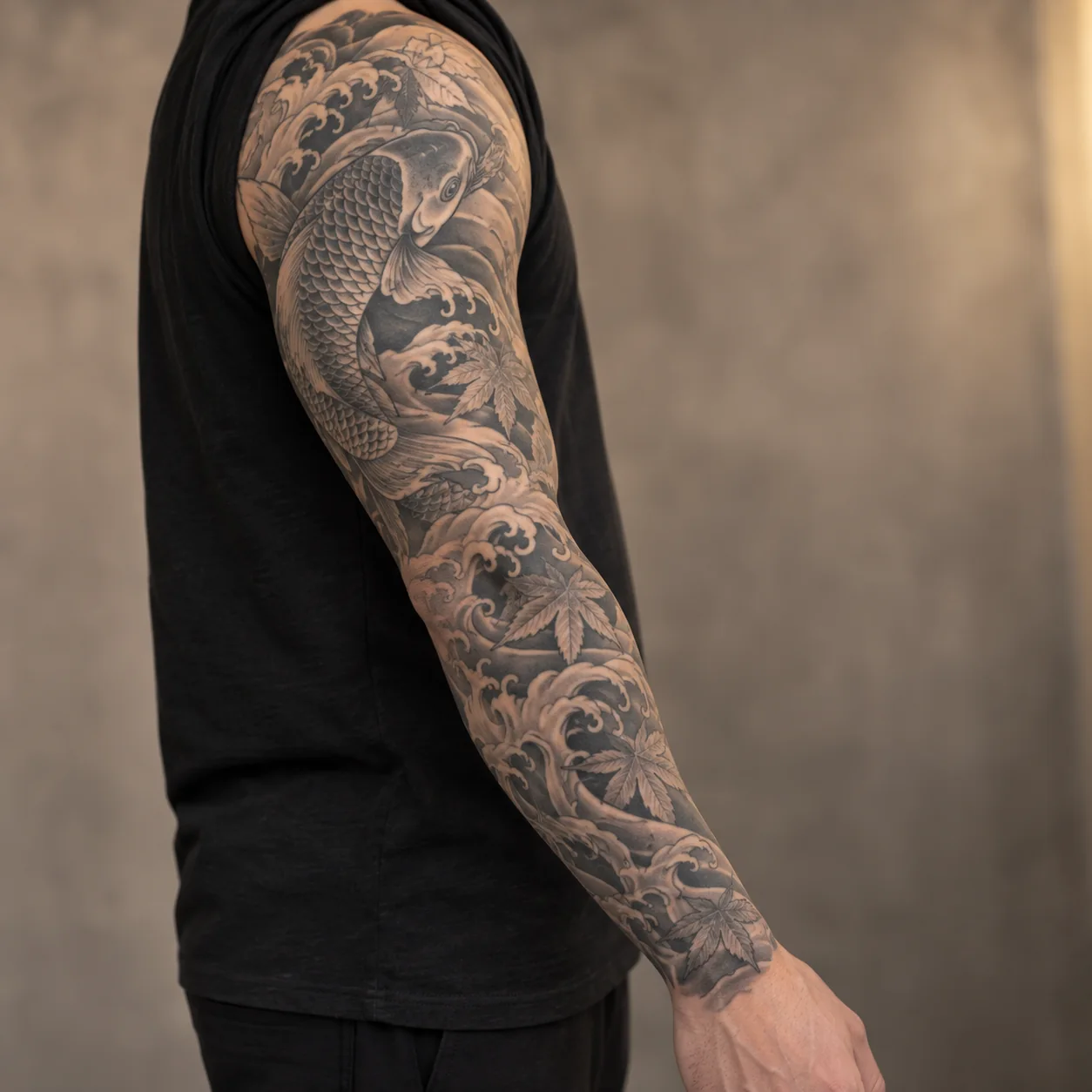
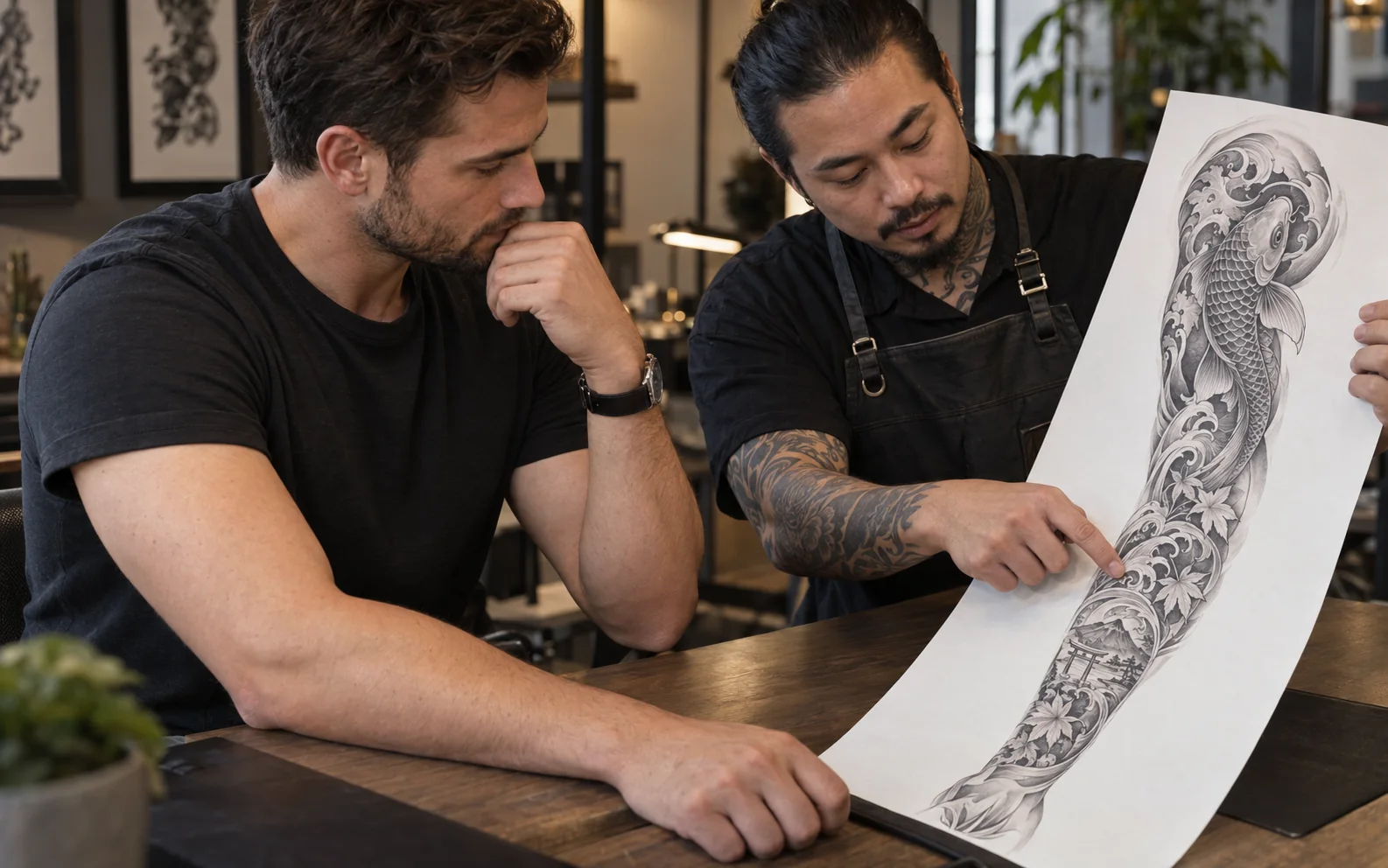
Black-and-grey koi, flowing water, and maple leaf tattoo sleeve across an adult arm

Sleeve Concepts

Explore how a koi, waves, and maple leaves connect across a full sleeve; ask an artist to fit the flow to your arm.

PromptPhotorealistic editorial close-up of an adult arm, from shoulder cap to wrist, with one continuous healed black-and-grey Japanese-inspired tattoo sleeve featuring a koi fish, flowing water, and maple leaves. Natural skin texture, connected composition that wraps around the arm, detailed linework and soft shading, diffused daylight, and a neutral background. Show the full sleeve; no text, logos, or other tattoos.

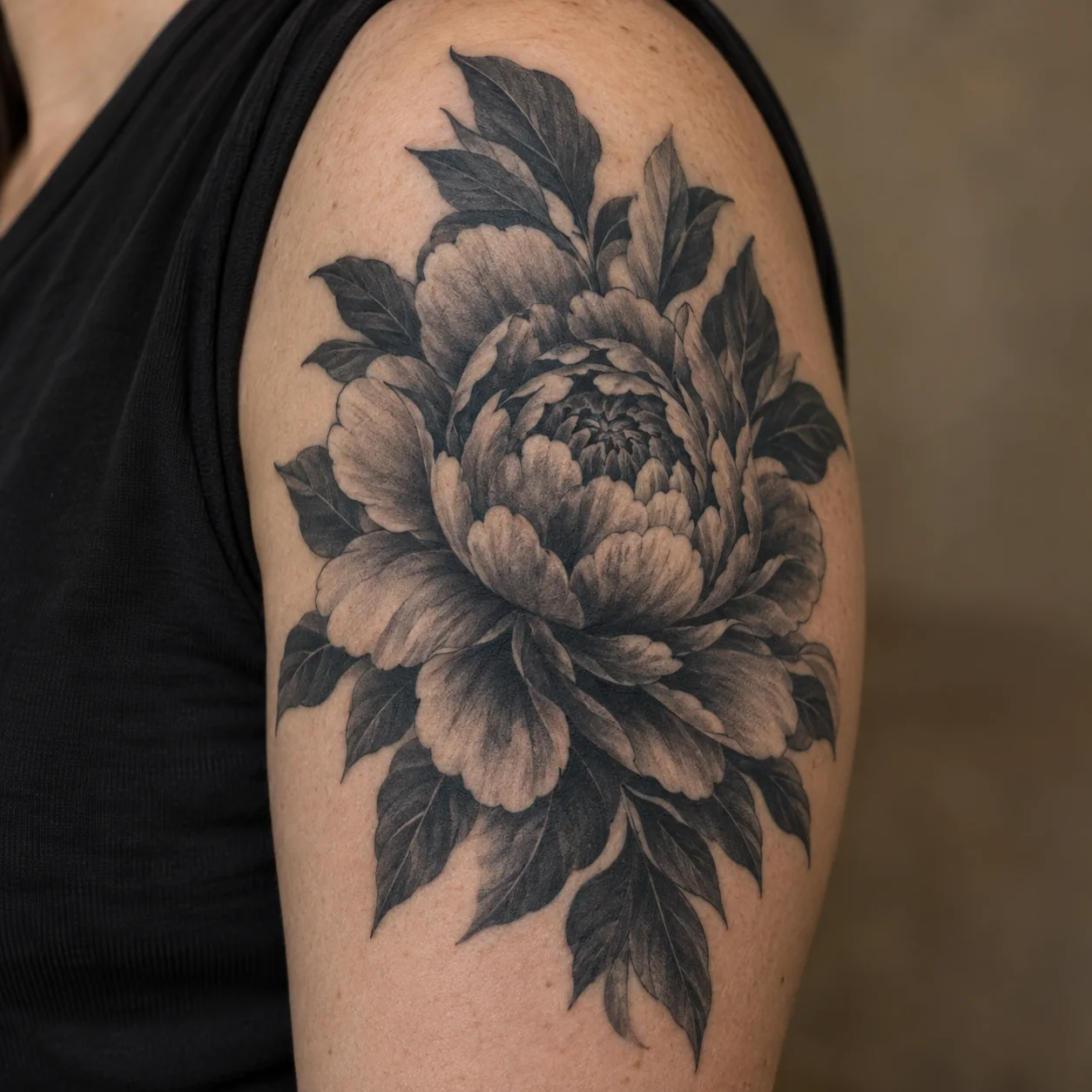
Large black-and-grey peony tattoo with dark leaves on an adult outer upper arm

Cover-Up Inspiration

Explore a bold black-and-grey peony direction; ask an artist whether its scale and shading suit your existing ink.

PromptPhotorealistic close-up of an adult outer upper arm with a substantial healed black-and-grey peony tattoo and dark leaves, using layered petals and deeper central shading to show a bold cover-up-inspired direction. Natural skin texture, realistic ink, soft daylight, and a warm neutral background. Show the full motif; no text, jewelry, or other tattoos.

Start with words

Turn a Rough Idea Into a Clear Tattoo Concept

Have an idea but struggle to explain it? Describe the subject, style, mood, and possible placement. An AI tattoo generator from text gives you a visual starting point you can refine before you talk with an artist.

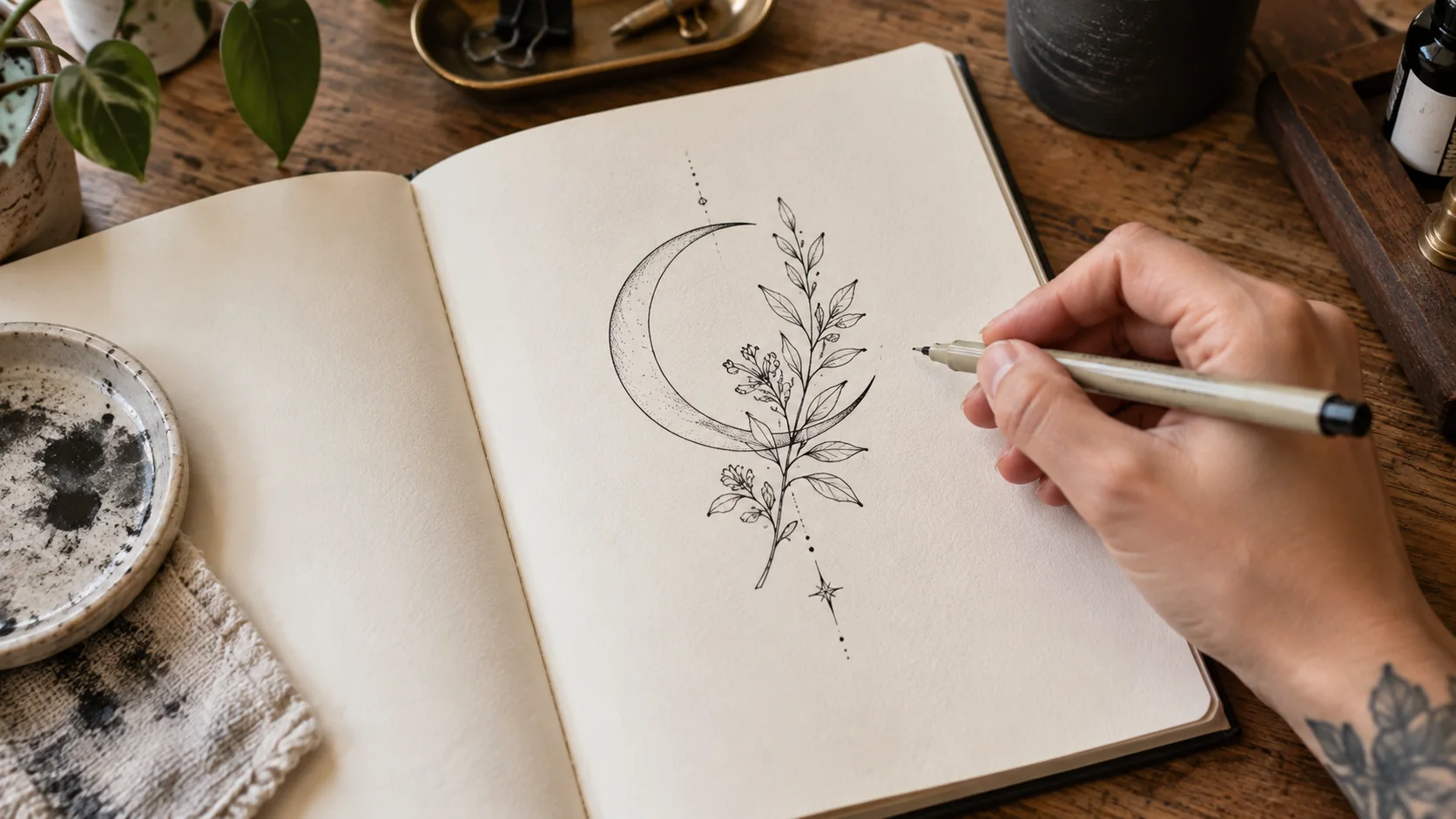
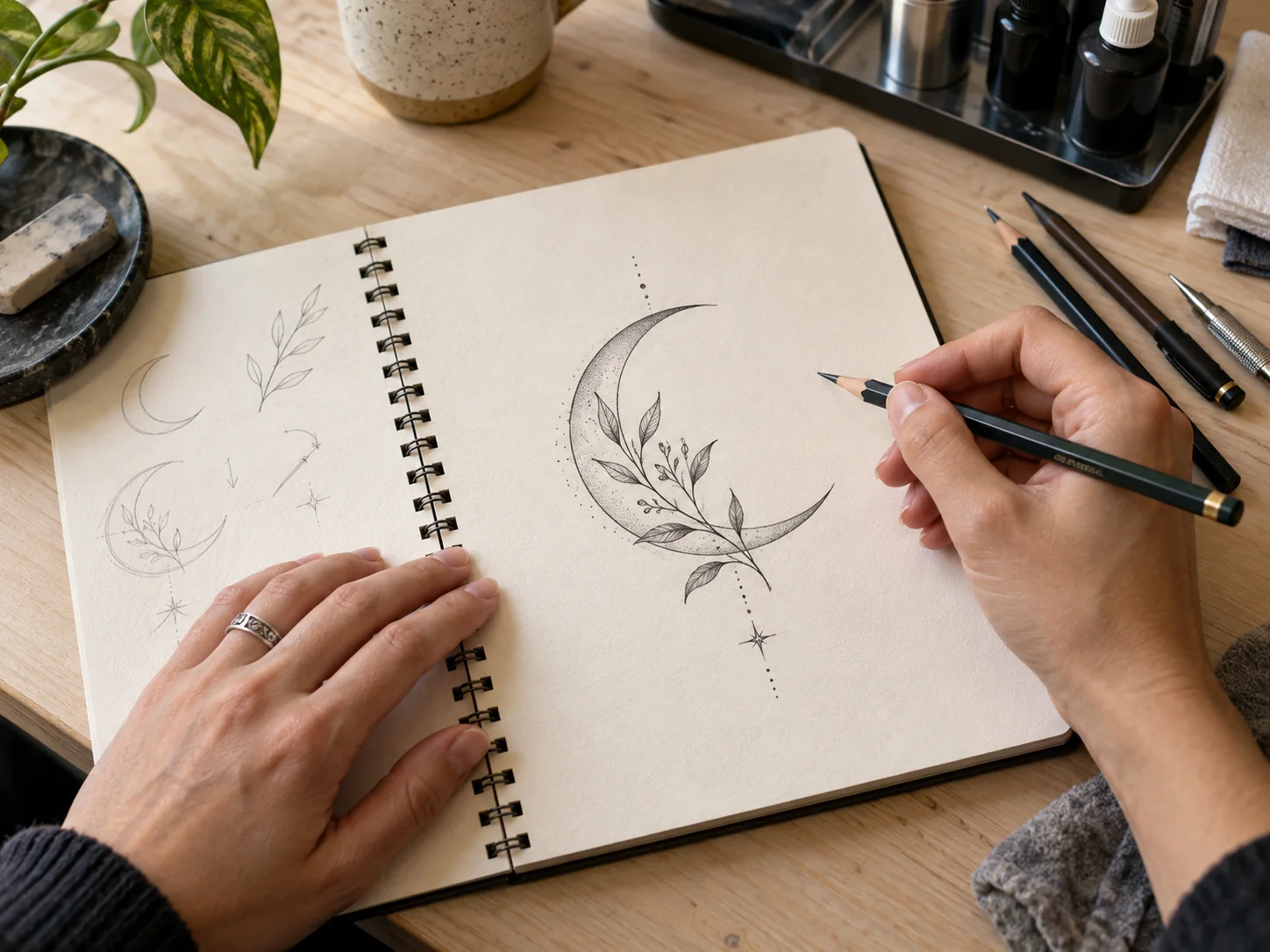
Tattoo artist sketching a fine-line crescent and botanical tattoo concept in a notebook
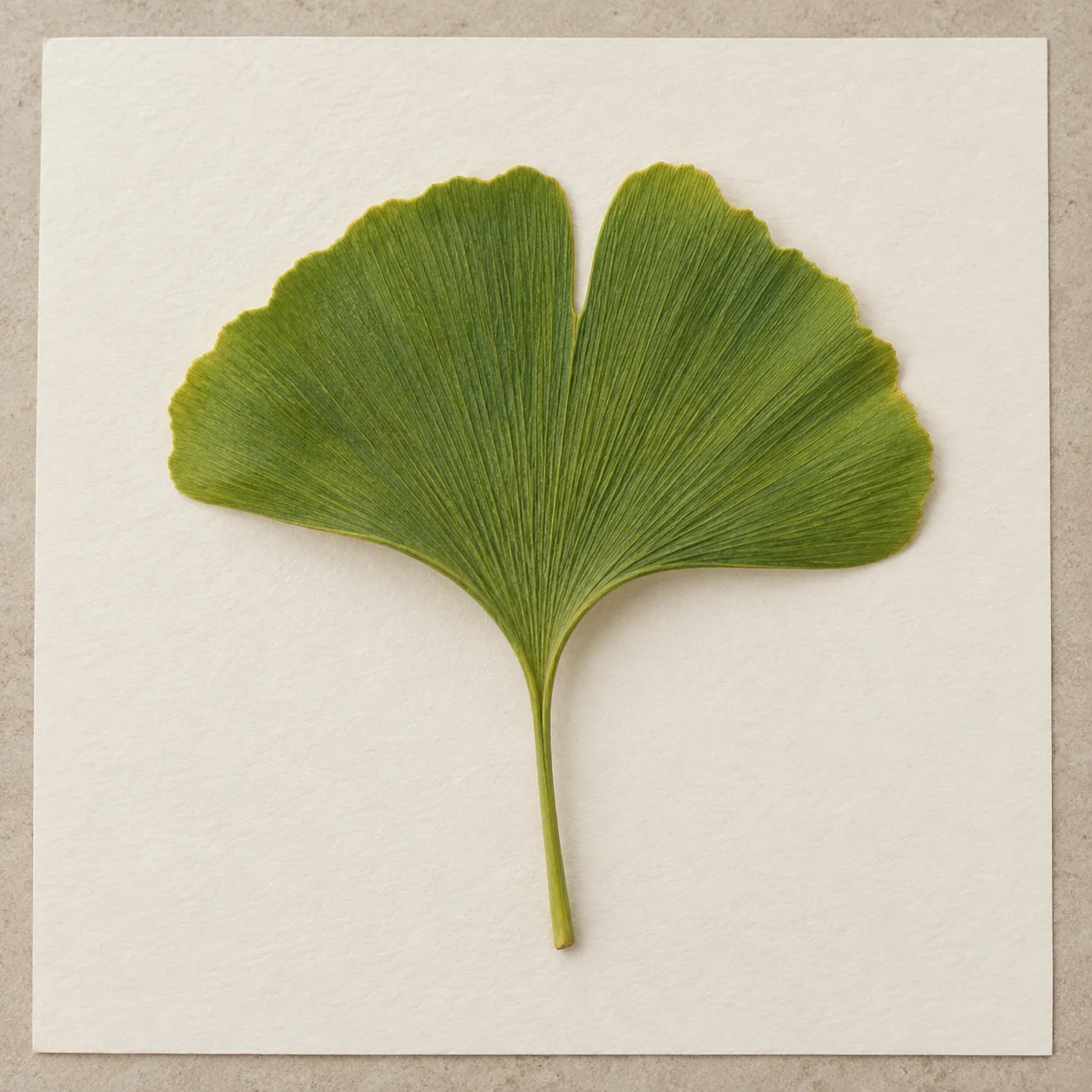
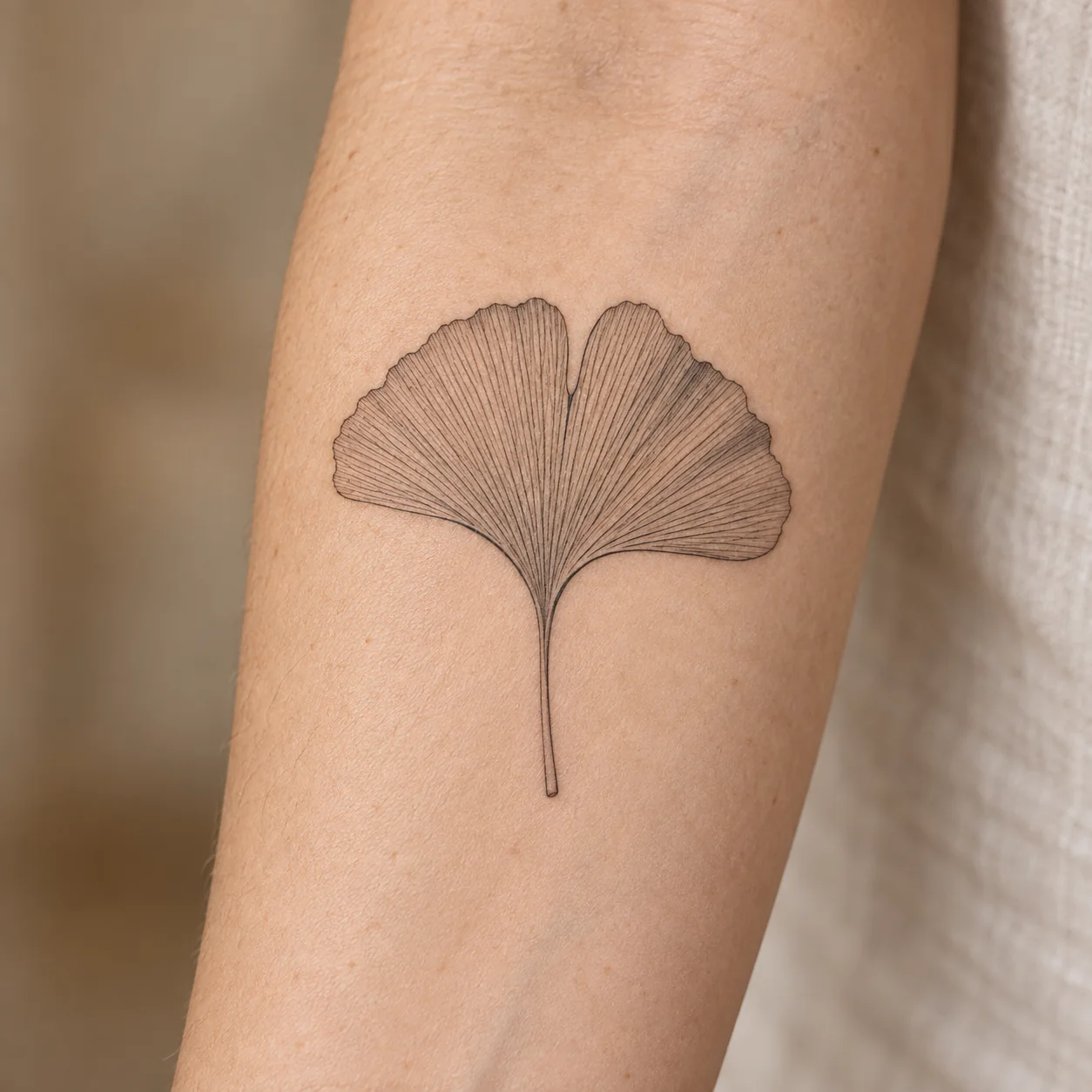
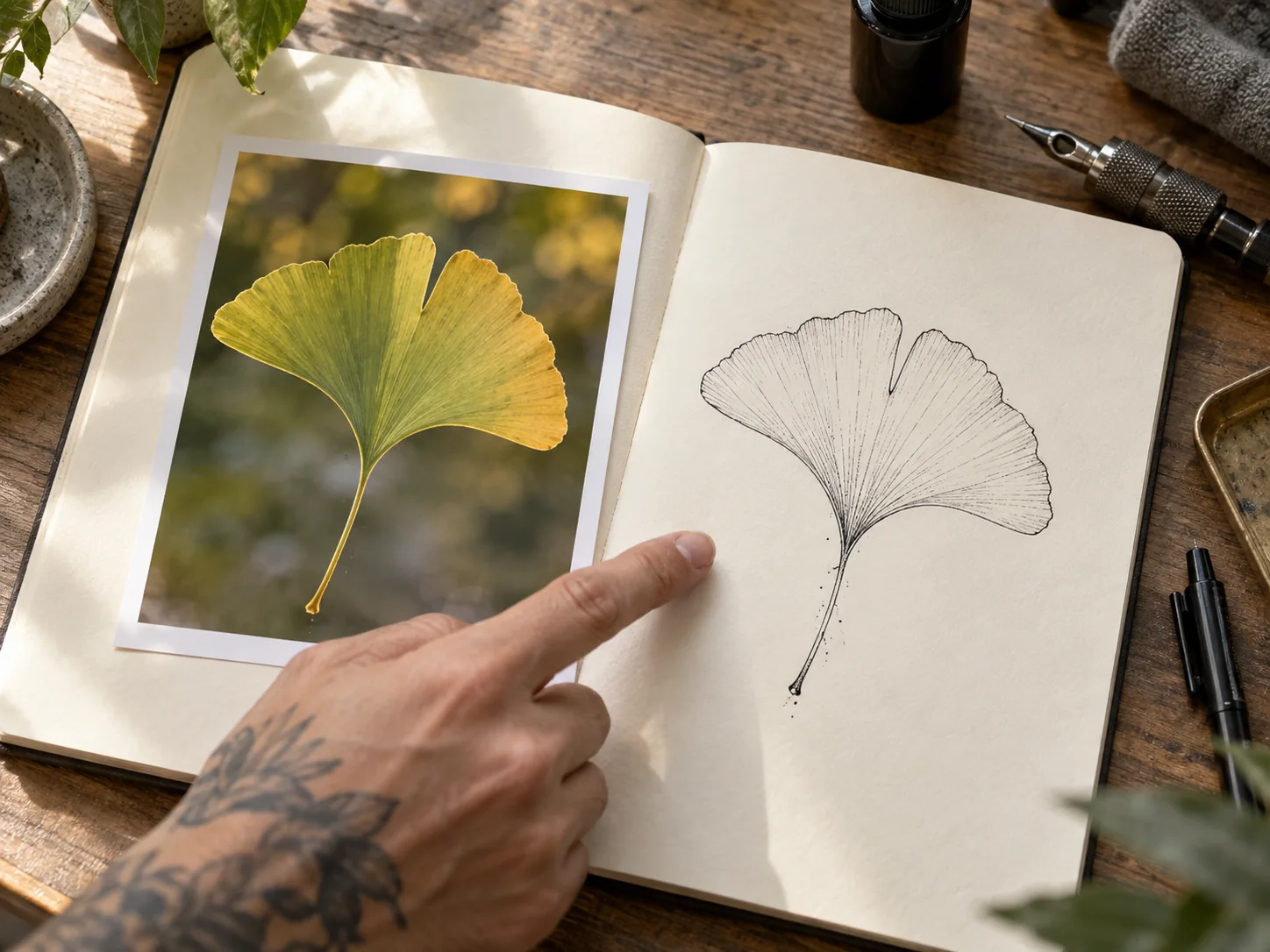
Ginkgo leaf object photo used as a tattoo design reference Reference Concept

Guide with a reference

Shape a Tattoo Idea From a Reference Photo

Start with a sketch, object, or photo you have permission to use. Describe the subject or style you want to keep and what should change. Review each result carefully, since AI may alter details that matter to you.

For the artist conversation

Bring a Clearer Reference to Your Tattoo Artist

Choose a concept worth discussing, then check its shape, contrast, and lettering. Ask your tattoo artist to assess size, placement, line weight, and how it will work on skin. The generated image is a conversation starter, not a finished stencil.

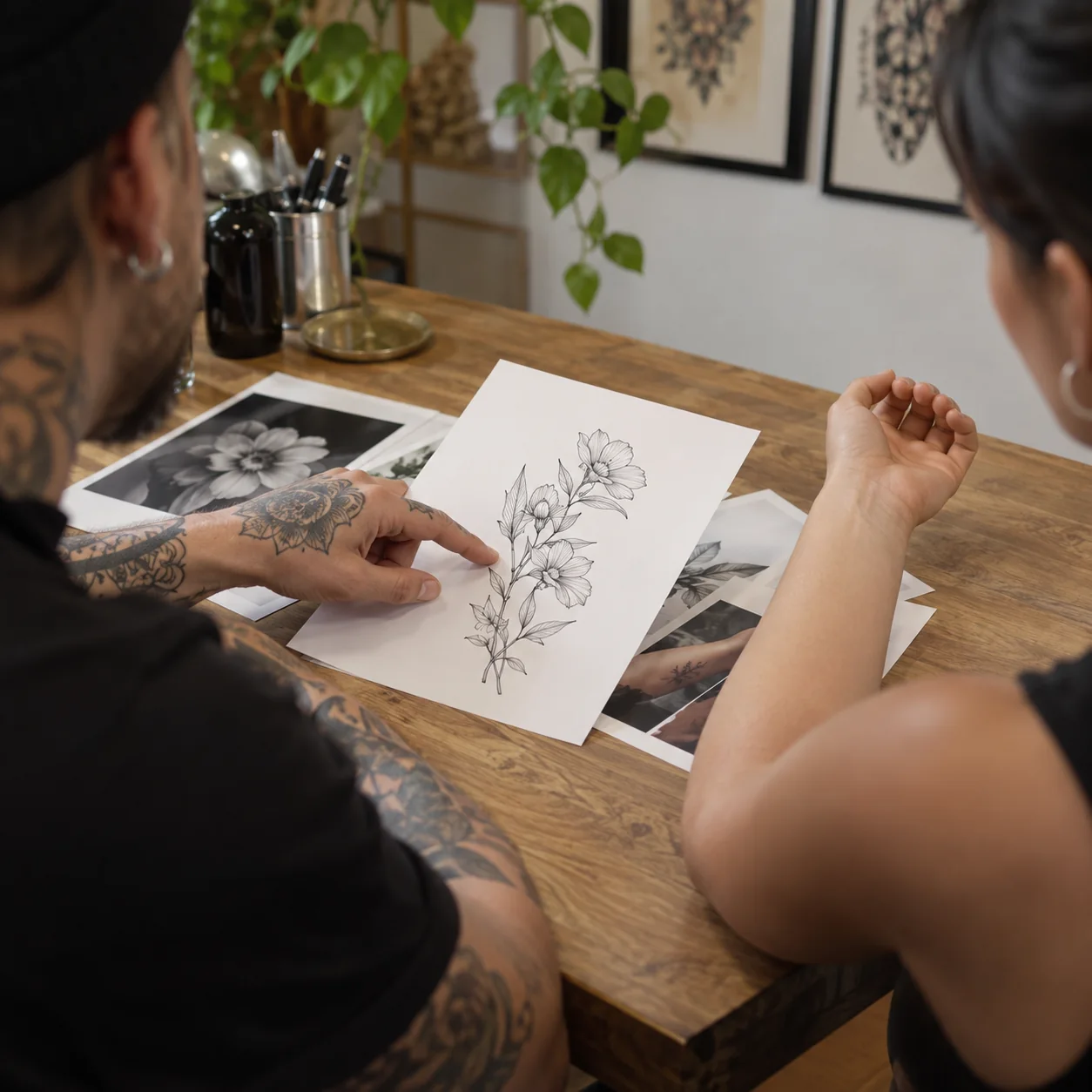
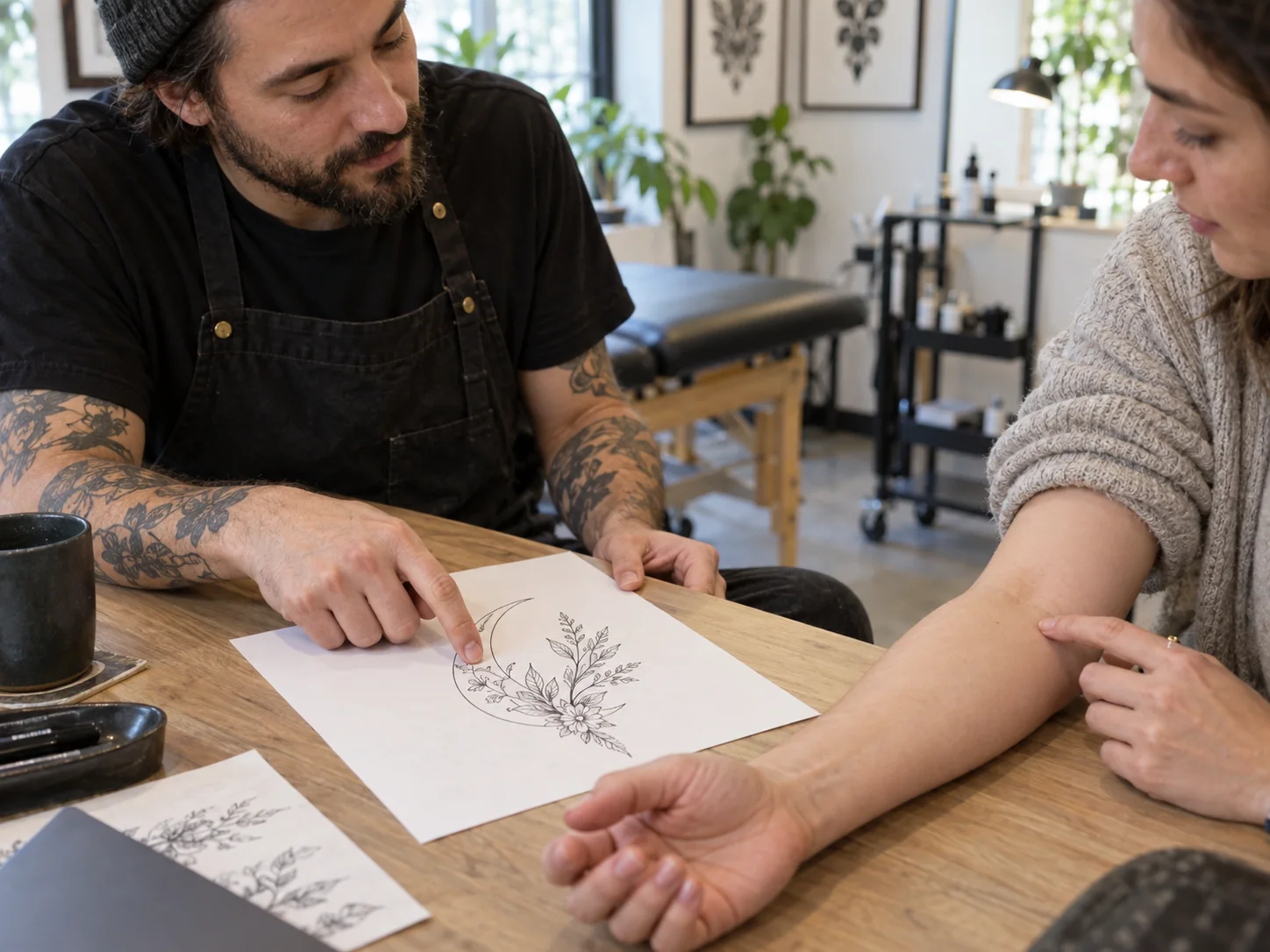
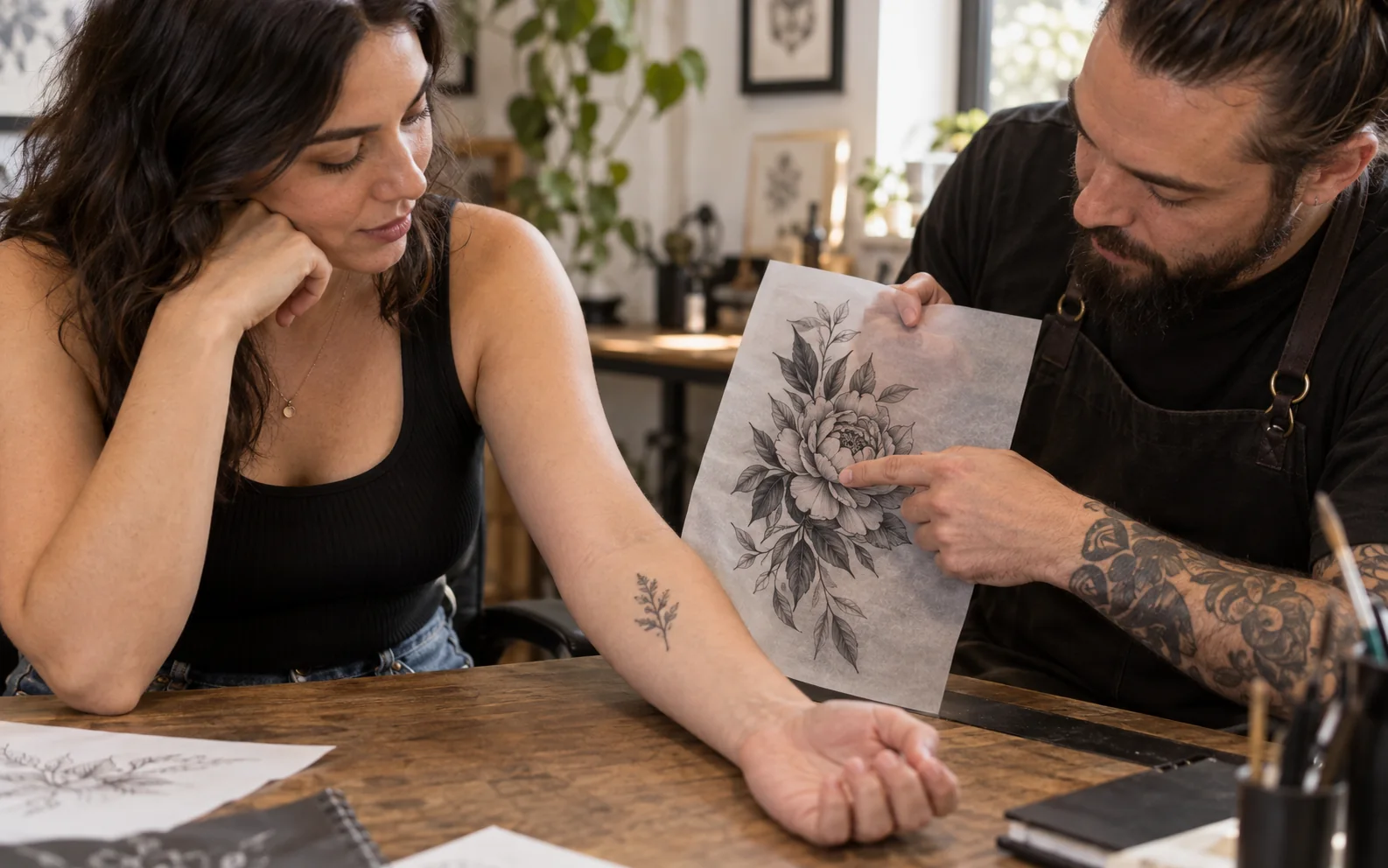
Tattoo artist and client reviewing a floral tattoo concept on paper beside a forearm

How to use

How to Use the AI Tattoo Generator

Move from a written idea or permitted reference to a tattoo concept you can review with an artist.

Write a tattoo brief, add a permitted photo if helpful, and review the concept before sharing it.

  1. 01

    Describe your idea

    Name the subject, style, mood, and possible placement. Add any details you want to keep or avoid.

  2. 02

    Generate a tattoo concept

    Enter your prompt or add a reference image you have permission to use, then generate a visual concept.

  3. 03

    Review it with an artist

    Check the subject, linework, lettering, and contrast. Refine your prompt, then ask an artist to adapt the design for your size and placement.

Why Choose This AI Tattoo Generator?

Explore design directions before committing to permanent ink, then take a clearer visual reference to your tattoo artist.

Tattoo artist sketching a fine-line crescent and botanical idea in a notebook

Start With Words

Turn a short description into a visual concept instead of starting from a blank page.

Artist translating a ginkgo leaf reference photo into a fine-line tattoo sketch

Use a Reference

Guide the subject or style with an image you have permission to use.

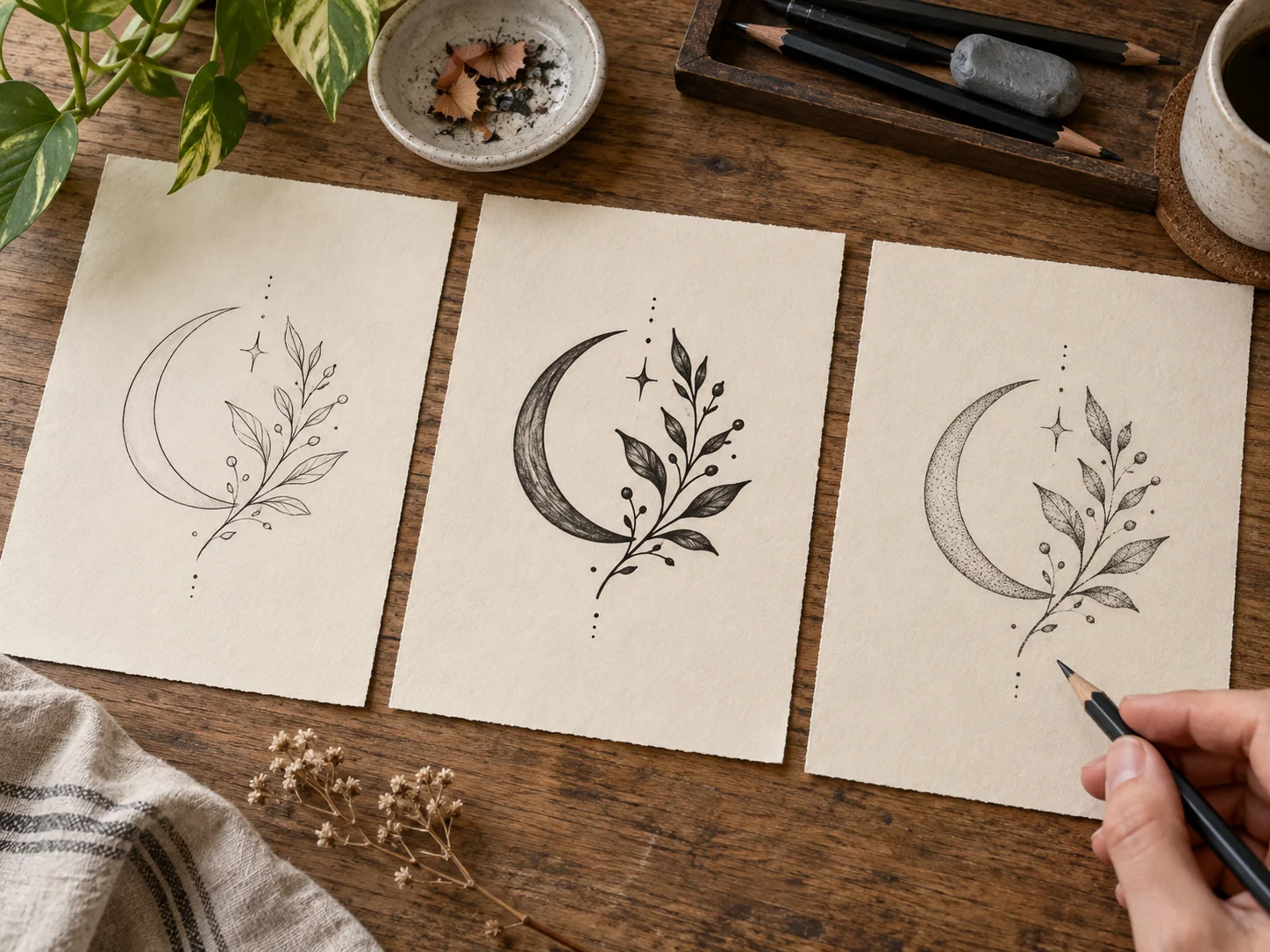
Three fine-line crescent and botanical tattoo concept variations on separate sheets

Compare Directions

Change one detail at a time to explore linework, contrast, and composition.

Tattoo artist and client reviewing a botanical tattoo concept beside a bare forearm

Prepare for Your Artist

Bring a concept your artist can adapt for the final size, placement, and stencil.

Who it helps

Tattoo Ideas for Every Stage of Your Decision

Whether you are planning a first tattoo or a larger piece, start with a concept that helps you explain what matters.

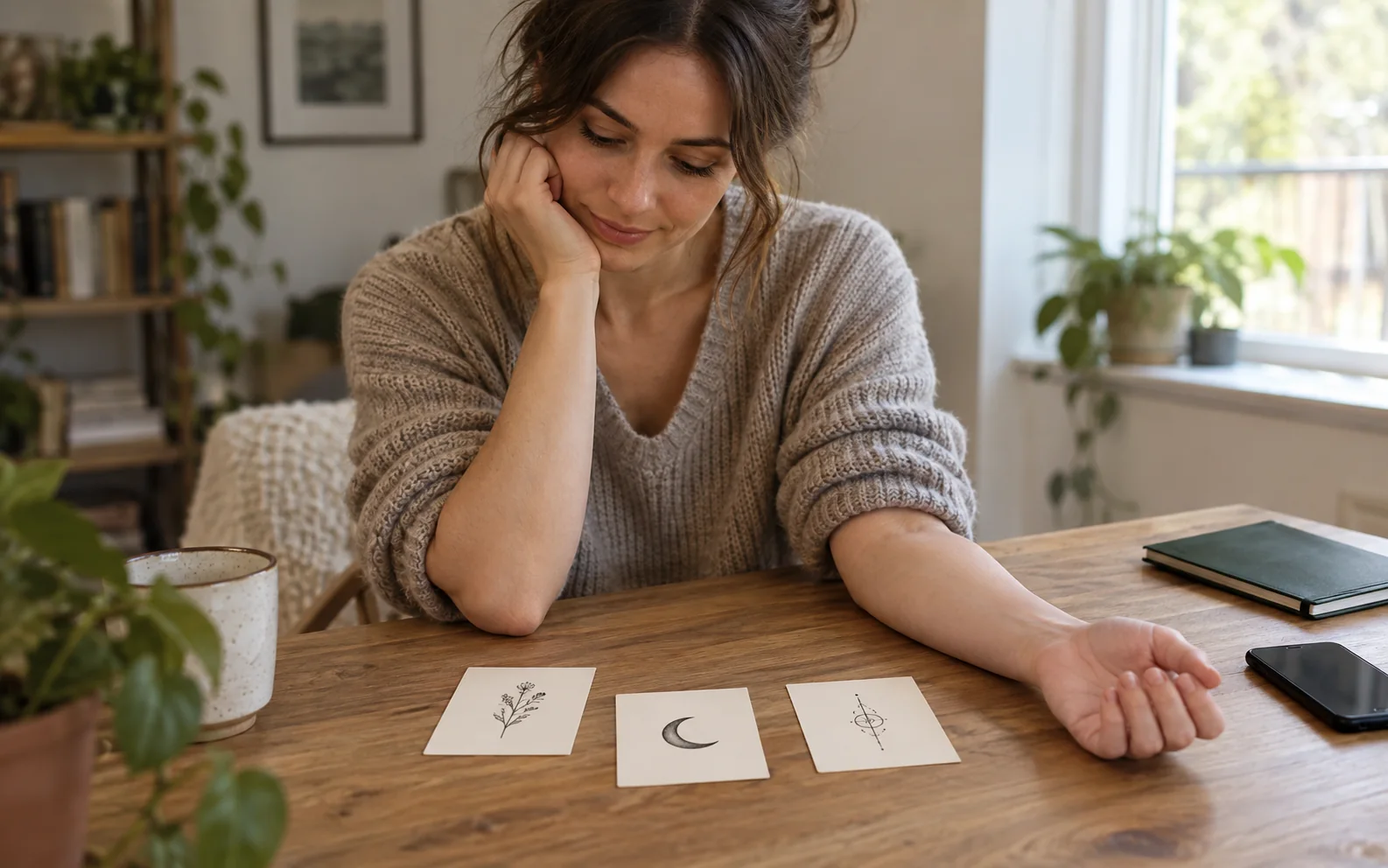
First-time client comparing three tattoo concepts at home with a bare arm before booking an artist

Find Your Starting Style

Compare visual directions before booking, then bring an example to discuss with your artist.

Before you ink

AI Tattoo Design FAQs

Answers about free access, text and photo inputs, and what to check before getting inked.

What can I create with this tattoo design tool?

You can explore visual tattoo concepts from a written idea or a permitted reference image. Review the details with a tattoo artist before using a concept for a real tattoo.

Is this tool free to try?

You can create a free account or sign in to use available welcome credits. Check your balance and the current generation cost before you create.

Can I generate a tattoo idea from text?

Yes. Describe the subject, style, mood, and possible placement. Revise your prompt if the first concept misses an important detail.

Can I use a photo as a reference?

Yes, if you own the image or have permission to use it. Explain what should inspire the new concept and check the result for unwanted changes.

Can it plan a sleeve or cover-up?

It can help you explore visual directions. A tattoo artist must assess how a sleeve fits your arm or whether a design can cover existing ink.

Can I preview the tattoo on my body?

The current image workflow creates design concepts, not an accurate body try-on. Ask your artist to test size and placement.

Is an AI-generated design a tattoo stencil?

No. A tattoo artist should adapt the artwork and prepare the final stencil.

Should I check names and dates in AI-generated designs?

Yes. AI images can distort letters and numbers. Verify every character before approving a final design.

Your idea, ready to discuss

Give Your Tattoo Idea a Visual Starting Point

Describe your idea or add a permitted reference photo. Use welcome credits to explore a concept, then work with your tattoo artist on the final design.