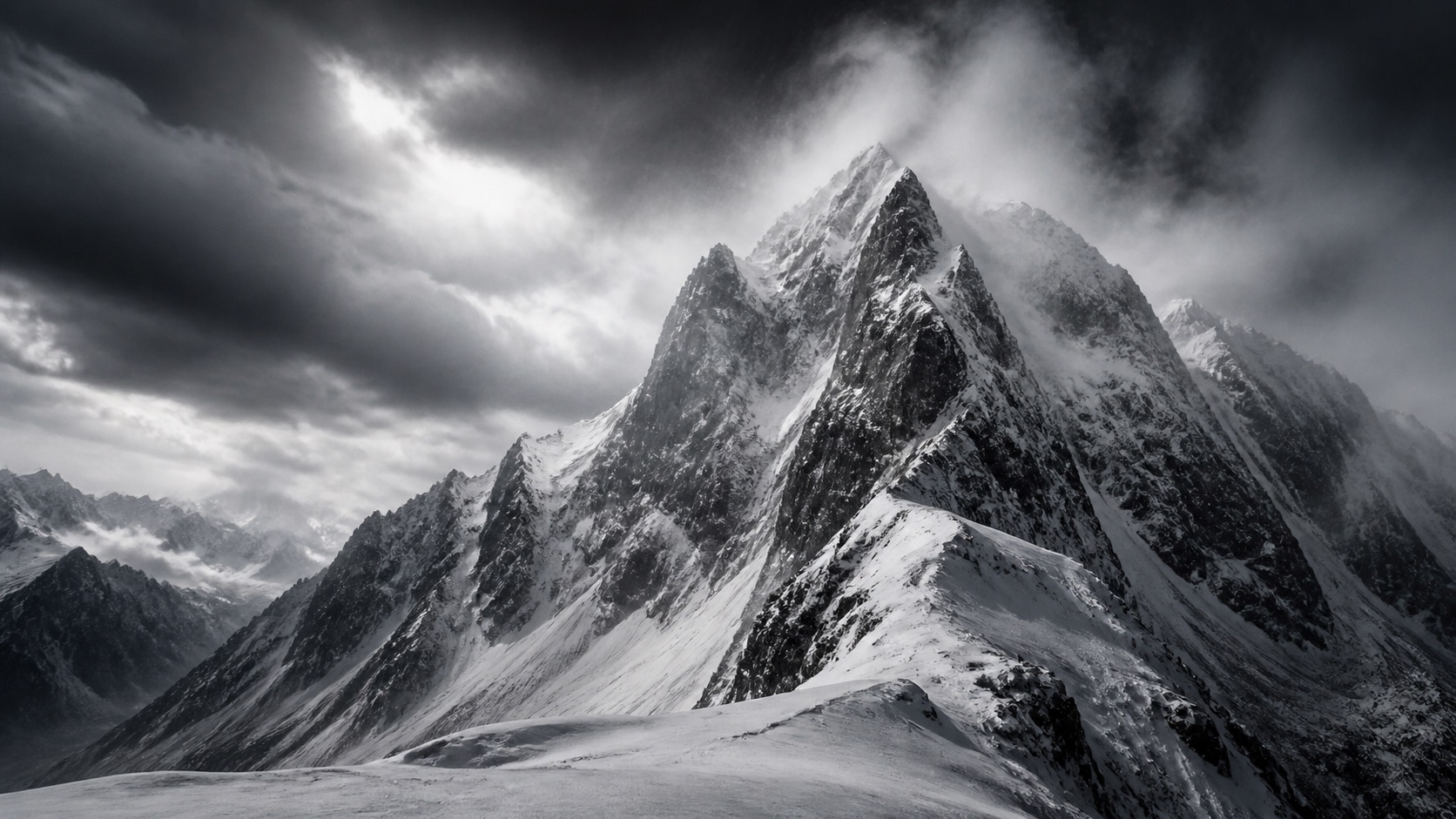
Snowy Alps
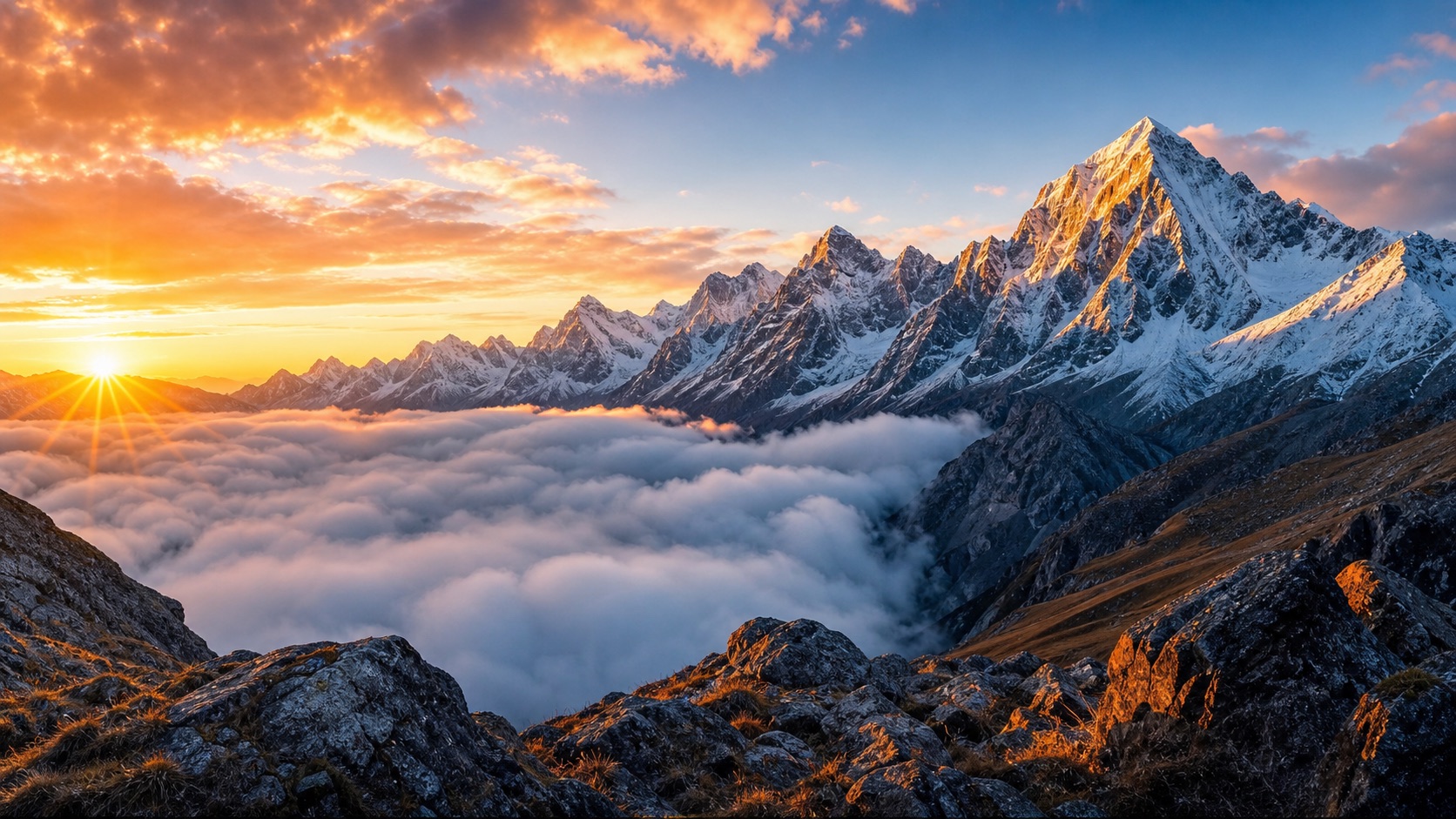
PromptPhotorealistic Snowy Alps, jagged snow-covered ridges, windblown powder, deep blue winter shadows, dramatic clouds, 24mm wide-angle landscape photography
Create from text or photo
Create mountain landscapes, wallpapers, and travel scenes from a text prompt or reference photo in seconds—then refine the details until the image fits your project.
Explore mountain landscape, background, and wallpaper ideas you can adapt from a text prompt or a reference image. Choose a scene, then use its prompt as your starting point.
PromptPhotorealistic Snowy Alps, jagged snow-covered ridges, windblown powder, deep blue winter shadows, dramatic clouds, 24mm wide-angle landscape photography
PromptPhotorealistic Snowy Alps, jagged snow-covered ridges, windblown powder, deep blue winter shadows, dramatic clouds, 24mm wide-angle landscape photography
Reference image workflow
Use a real mountain ridge as your composition guide, then direct a new atmosphere, scale, and visual world with an editable prompt.
1. Upload a reference
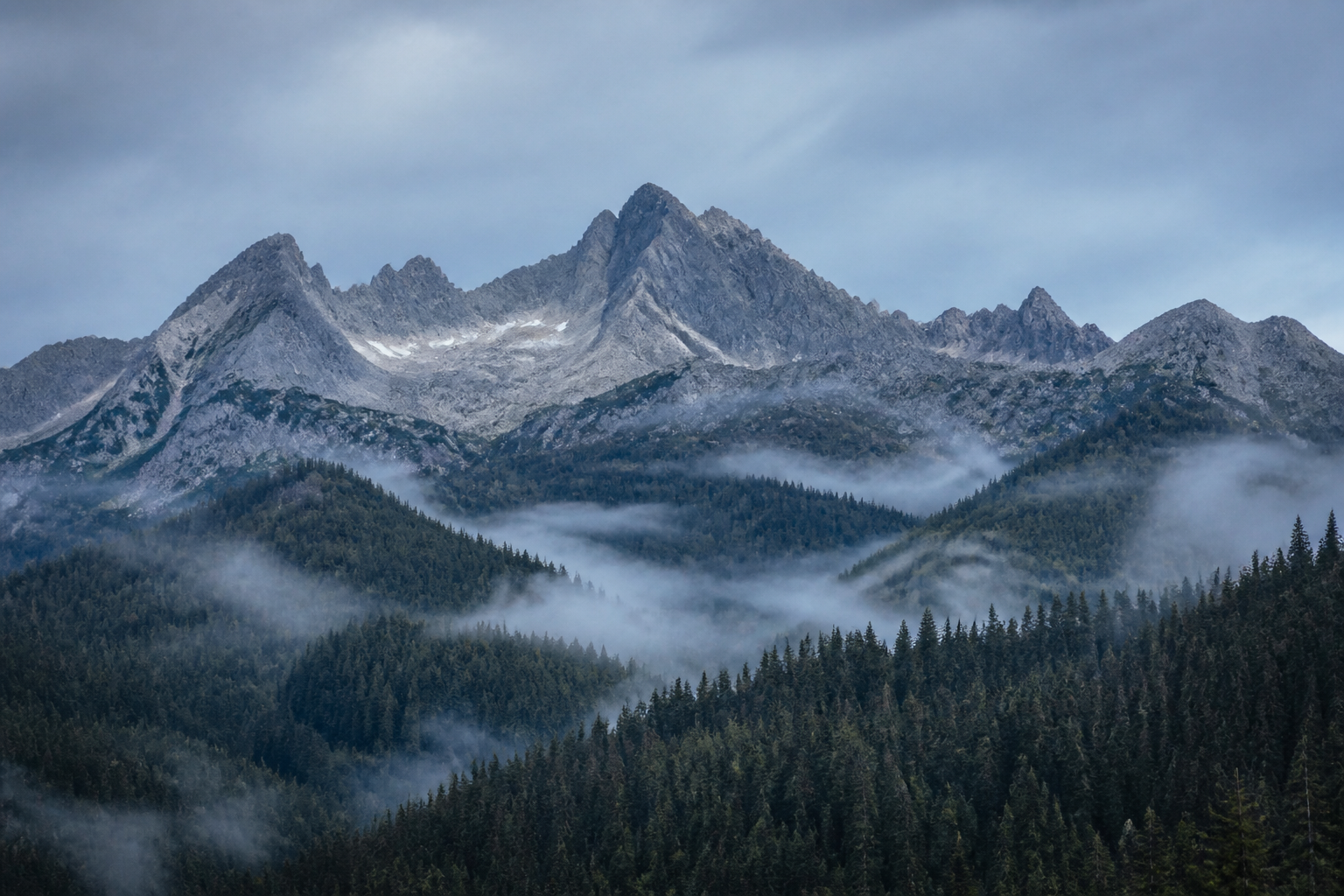
2. Describe the change
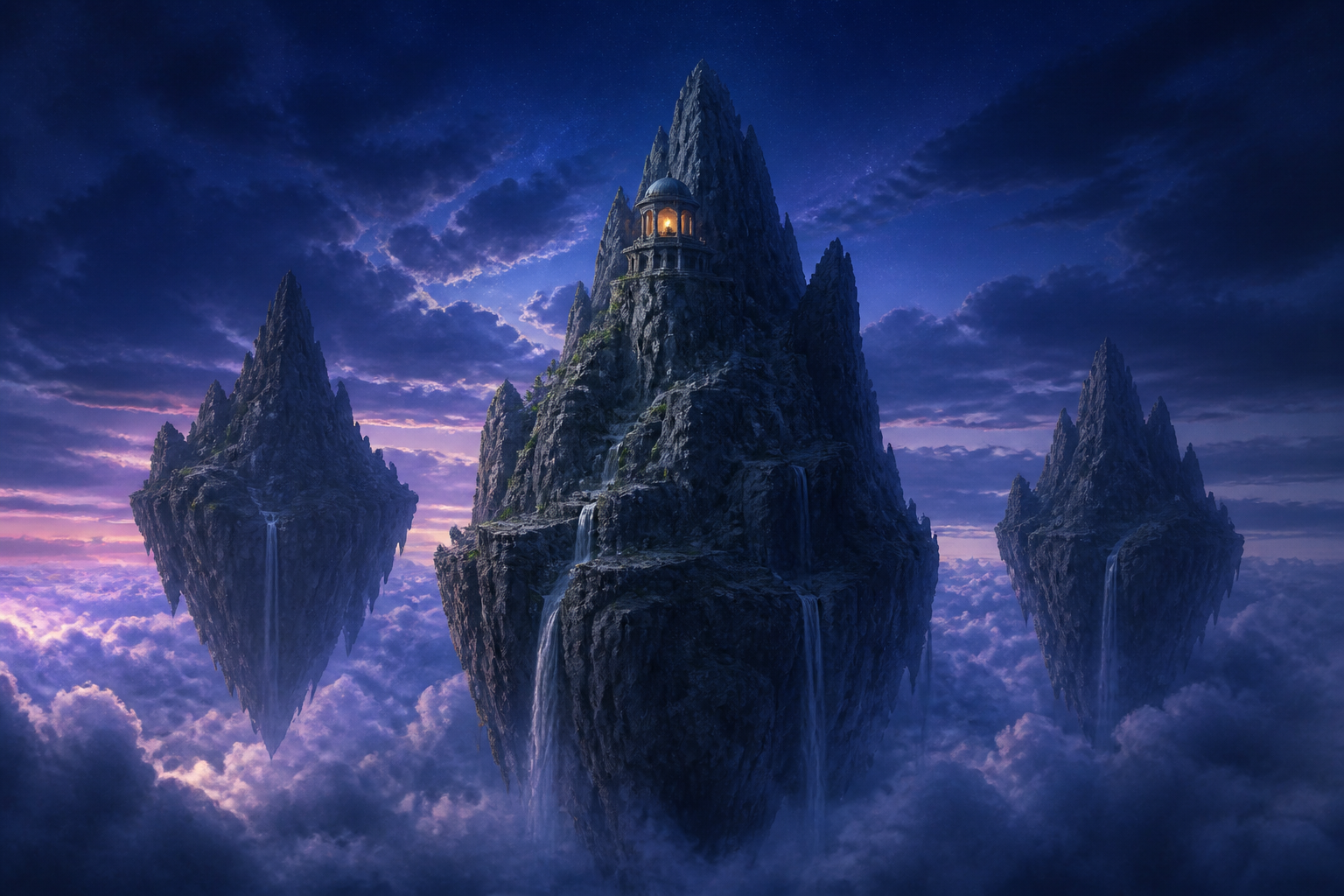
Use this rocky alpine ridge as the composition guide. Transform it into three floating slate mountains above a luminous cloud ocean, with slender waterfalls and a small ancient observatory on the central peak. Keep the layered mountain silhouette, but make the world cinematic fantasy at blue twilight.
3. Generate a new direction
How to generate
Use the AI Mountain Generator in three simple steps: describe your mountain scene, generate an image in seconds, then download it or refine the prompt and create another version.
Describe the peaks, landscape, weather, lighting, and mood you want, or upload a photo or reference image to guide the scene.
Turn your prompt or reference photo into a mountain image in seconds, then review the generated result.
Download your favorite mountain image, or adjust the weather, lighting, composition, or style in the prompt and generate another version.
Choose a goal, copy a ready-made mountain prompt, then customize the terrain, weather, lighting, camera, or composition before generating.
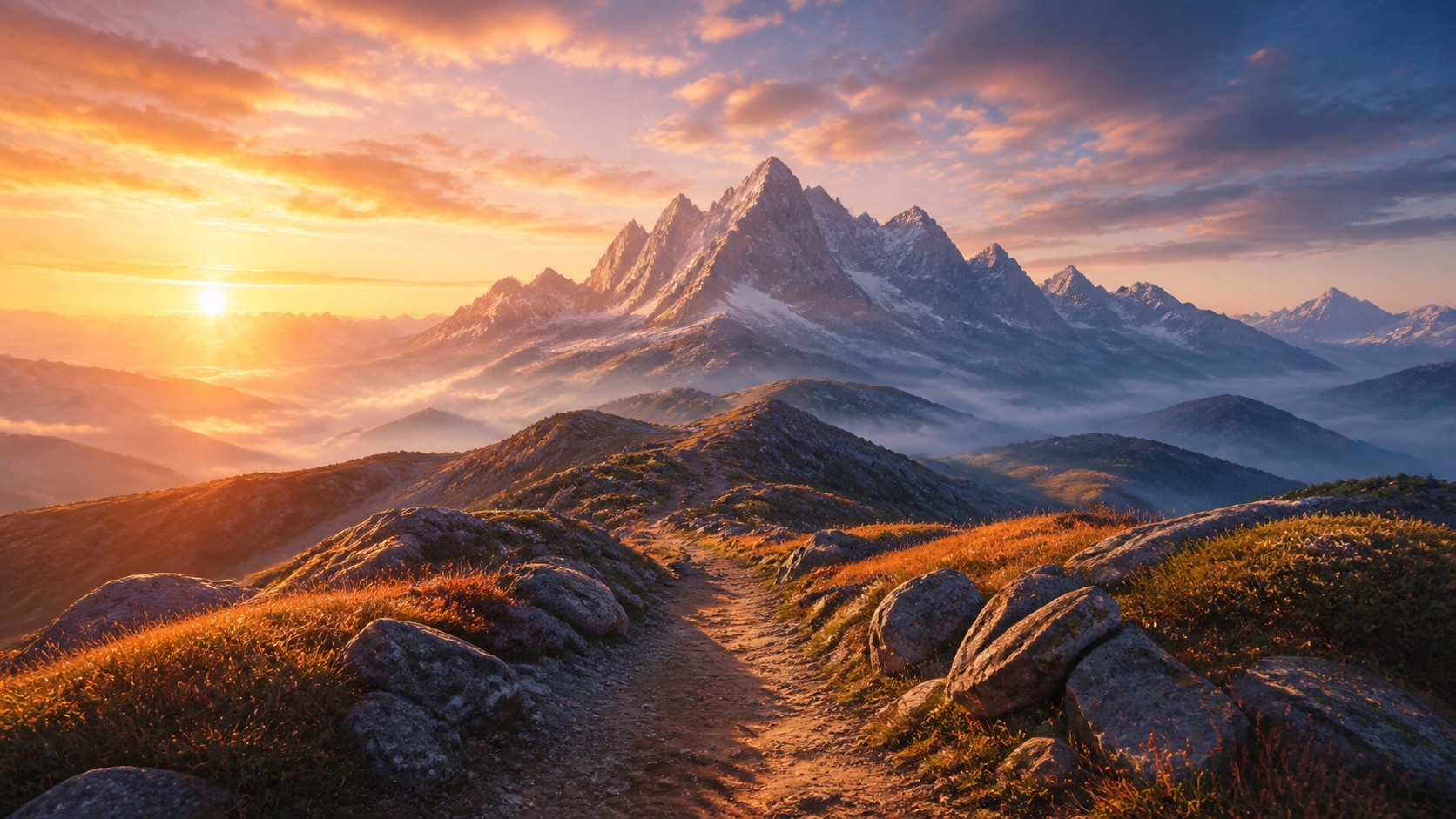
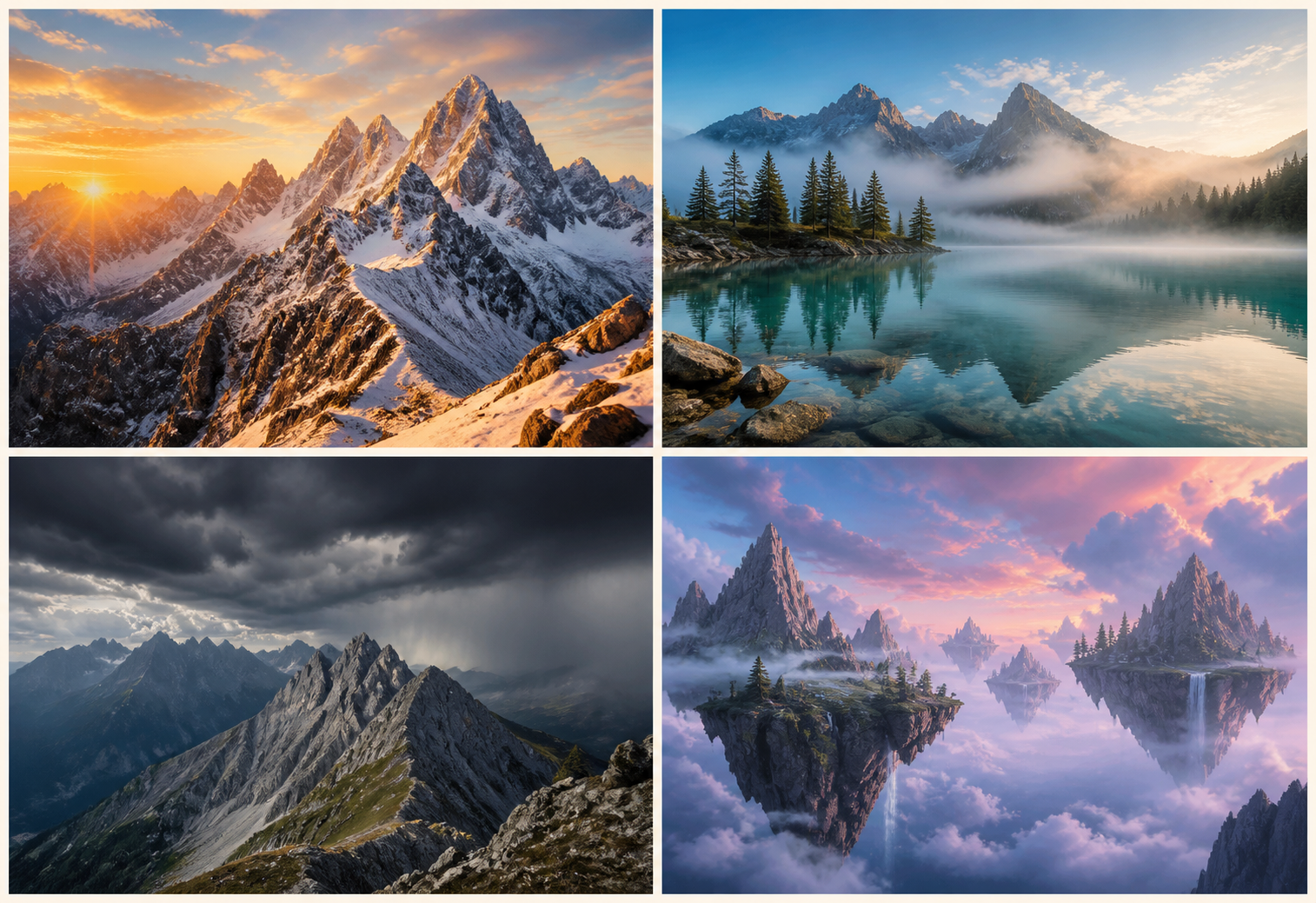
Photorealistic snow-capped alpine mountain range at sunrise, soft pink alpenglow on jagged peaks, mist filling the valley, natural detail, wide 16:9 landscape composition
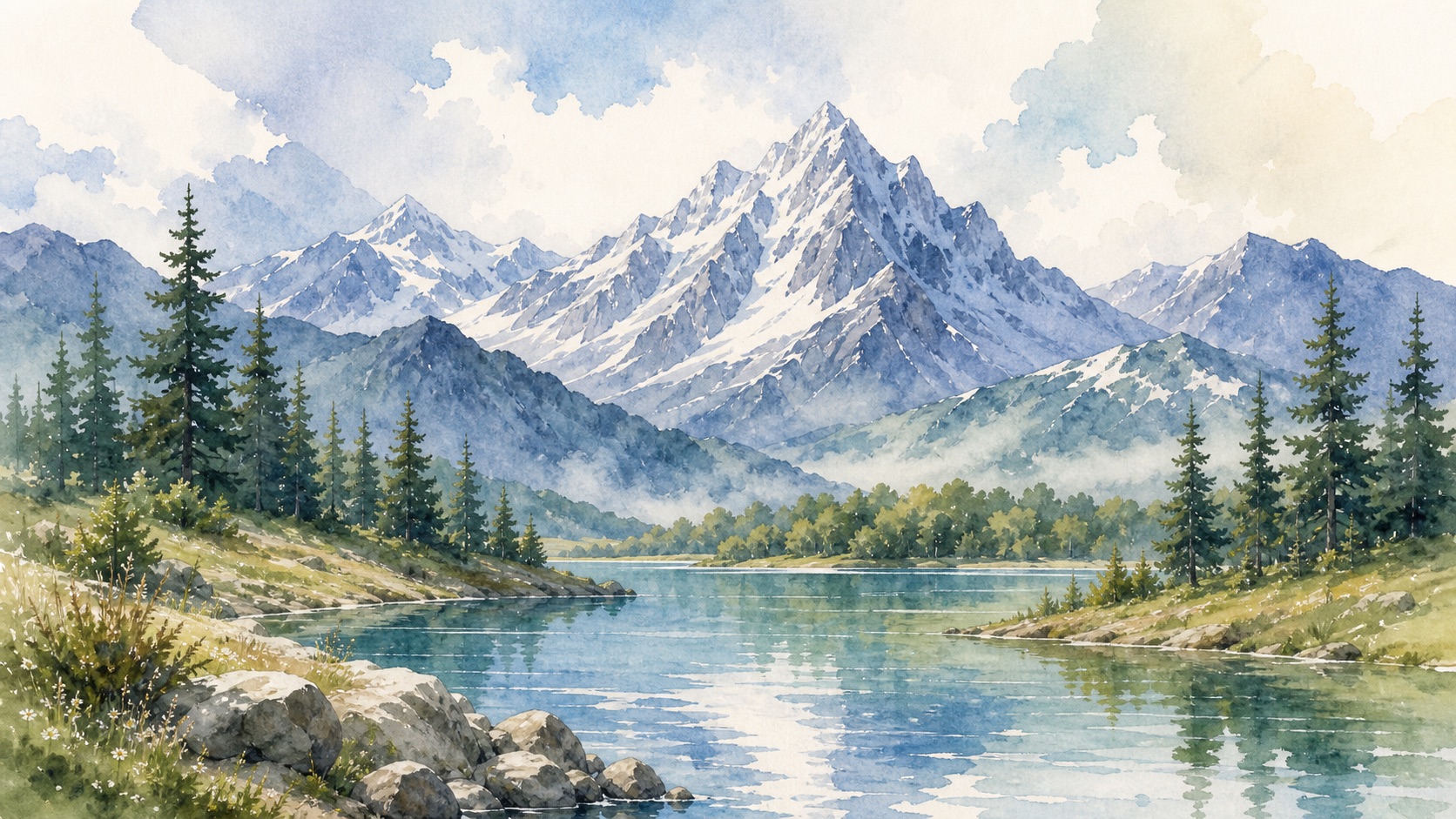
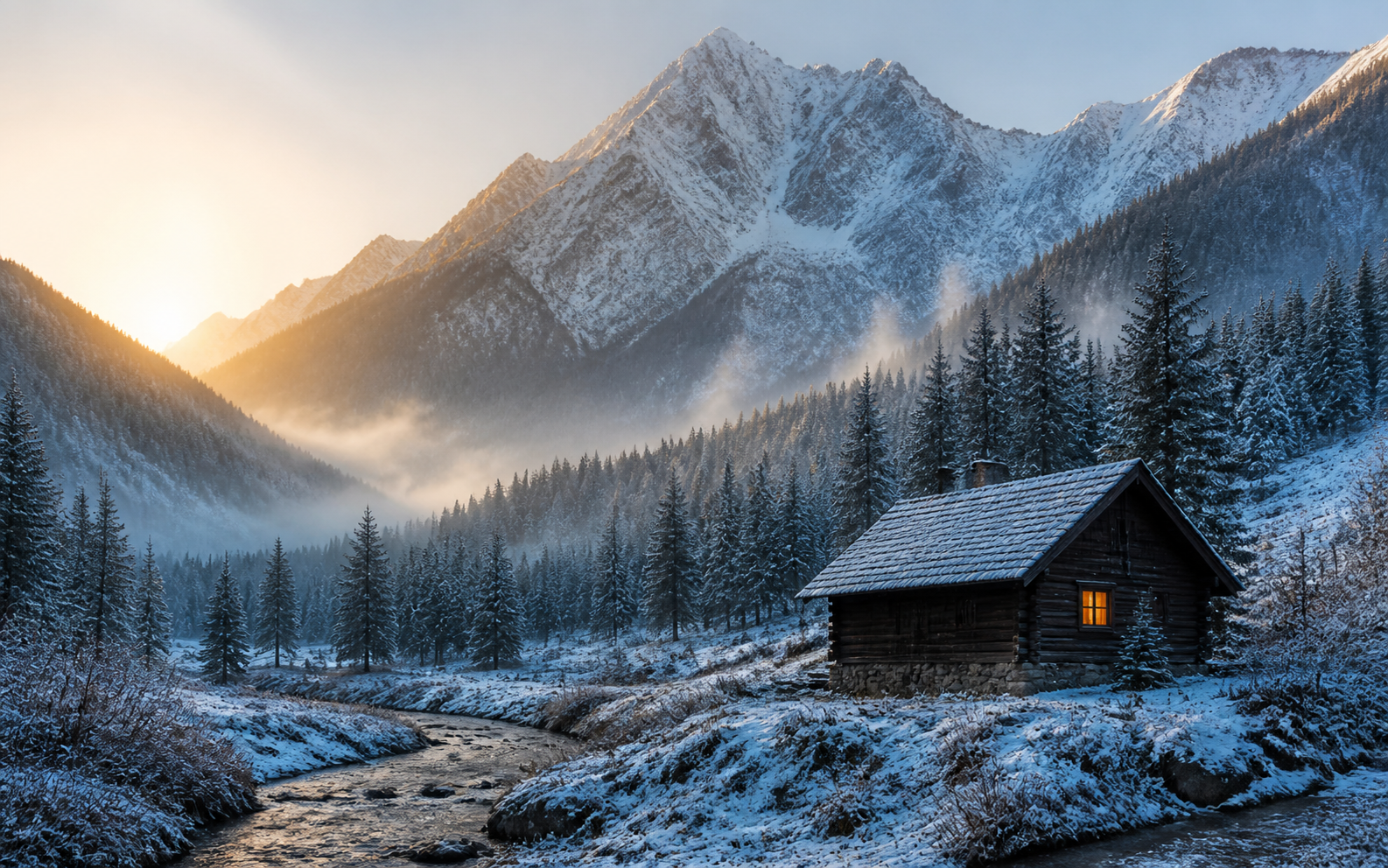
Use this promptPhotorealistic misty mountain lake at dawn, still water reflecting snow-covered peaks, pine forest along the shoreline, thin blue-gray fog, natural wide-angle landscape photography
Use this promptDramatic storm clouds rolling over a rugged mountain ridge, rain in the distant valley, windblown fog, high-contrast realistic landscape photography, panoramic composition
Use this promptEpic mountain range beneath a star-filled night sky, subtle Milky Way, cinematic blue light, wide 16:9 desktop wallpaper composition, clean negative space on the left, no text or watermark
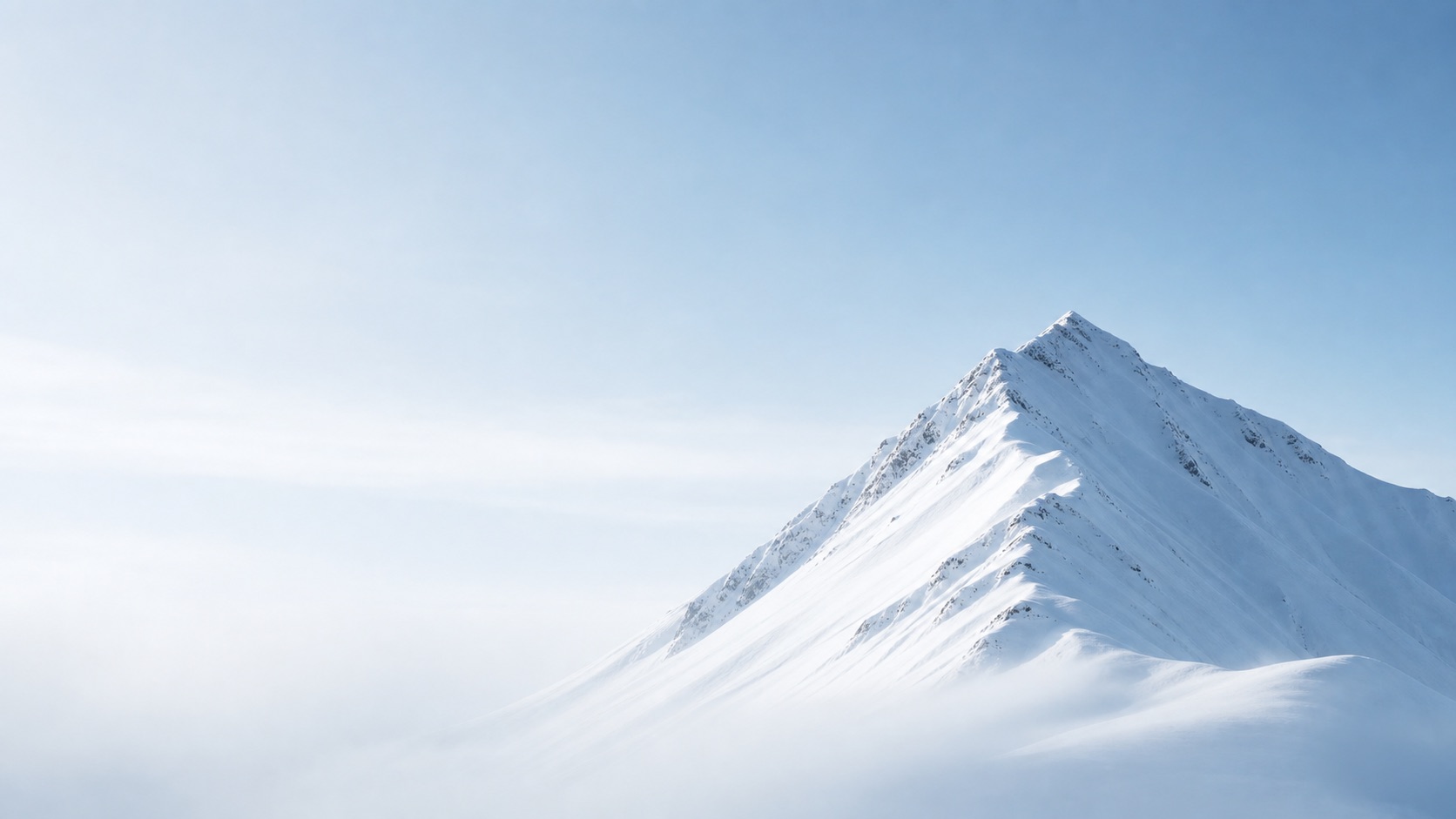
Use this promptMinimal snow-covered mountain peak beneath a pale winter sky, soft fog, peak placed in the lower third, generous open space for phone icons and clock, vertical 9:16 mobile wallpaper, no text or watermark
Use this promptPanoramic alpine valley at golden hour, layered mountain ridges and atmospheric haze, main peak on the right third, open sky on the left, clean 21:9 ultrawide mountain background, detailed but uncluttered
Use this promptA solo hiker standing on a rugged mountain summit at golden hour, backpack and trail clothing, sweeping valley below, natural outdoor adventure photography, full-body 4:5 portrait composition
Use this promptUse the uploaded person photo as the subject reference and keep the person recognizable, place them on an alpine trail with snow-covered peaks and thin morning fog, realistic hiking portrait, natural light, editorial 4:5 travel photography
Use this promptA skier carving through fresh powder beneath towering snow-covered mountains, crisp winter sunlight, flying snow, dynamic low-angle outdoor sports photography, vertical 4:5 composition
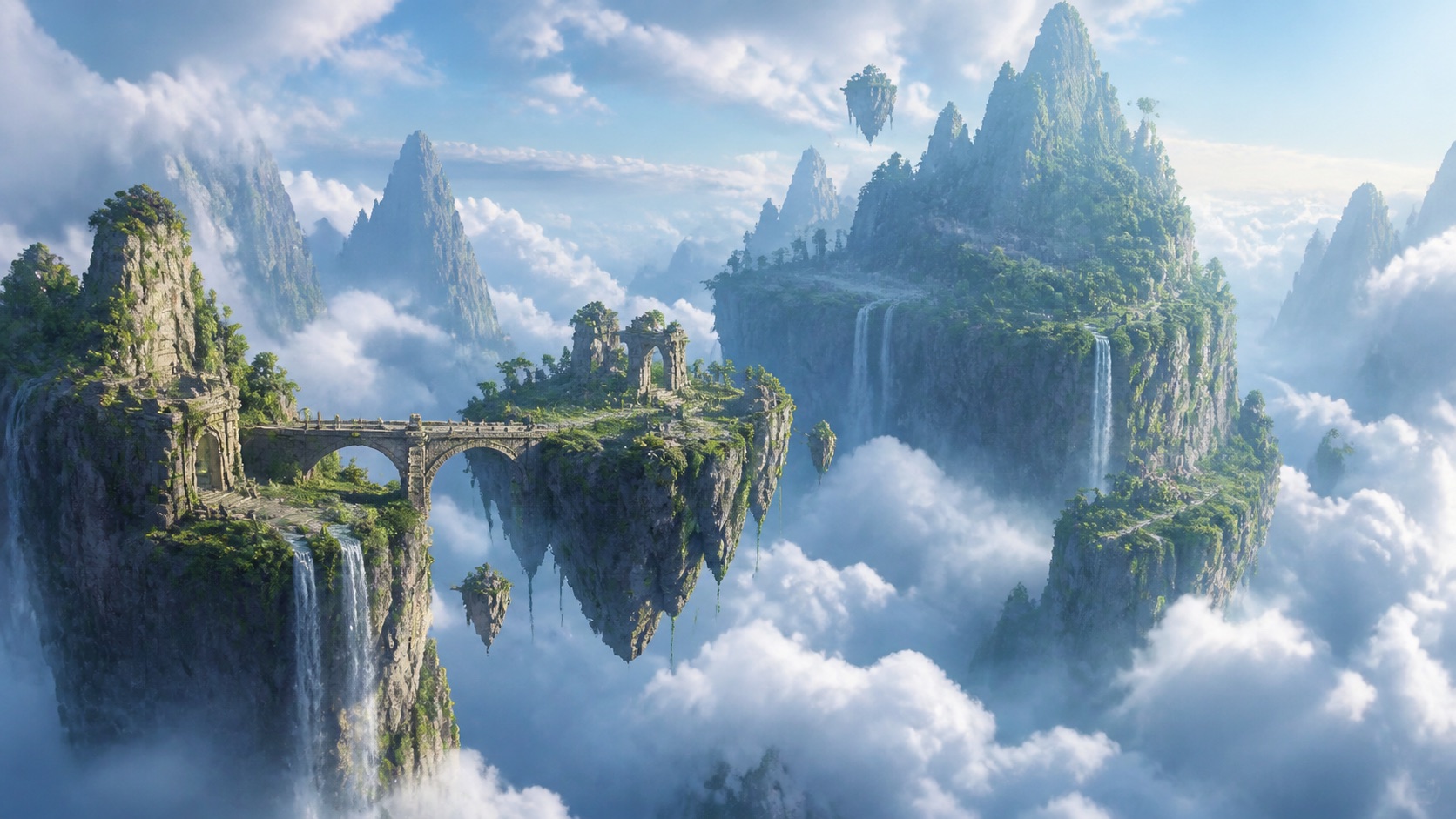
Use this promptFloating mountain islands above a glowing cloud sea, cascading waterfalls, ancient stone bridges, atmospheric god rays, highly detailed fantasy concept art, cinematic 16:9 composition
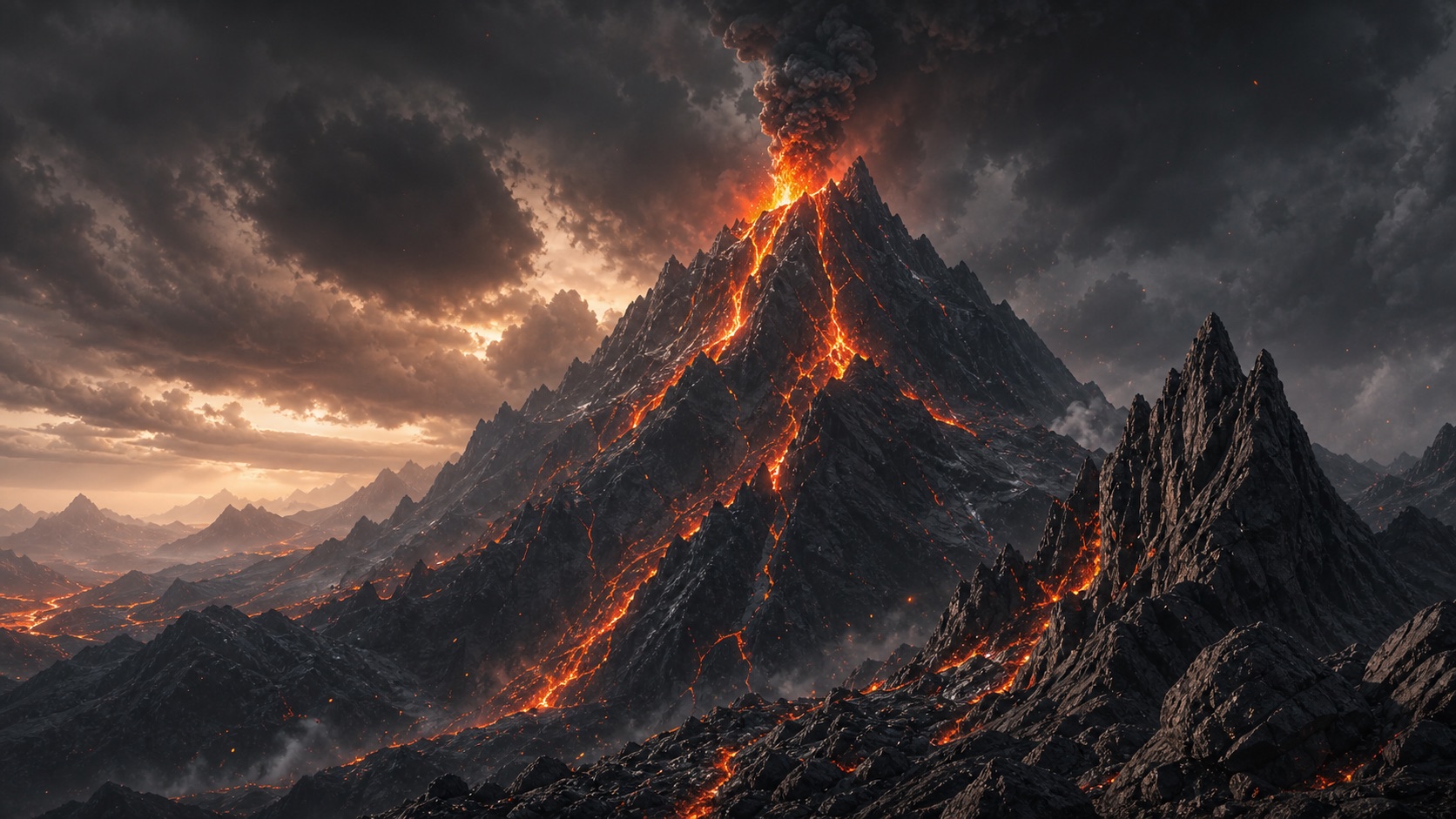
Use this promptAn ancient fantasy kingdom built into volcanic mountains, glowing lava rivers, black basalt cliffs, ash clouds and distant citadels, epic world-building concept art, wide 16:9 composition
Use this promptAnime mountain valley at sunrise, layered blue peaks, glowing clouds reflected in a clear alpine lake, hand-painted background art, calm cinematic atmosphere, vertical 9:16 composition
Use this promptA stylish traveler overlooking a turquoise alpine lake and snow-covered mountains, warm natural sunlight, authentic editorial travel photography, full-body vertical 4:5 Instagram composition
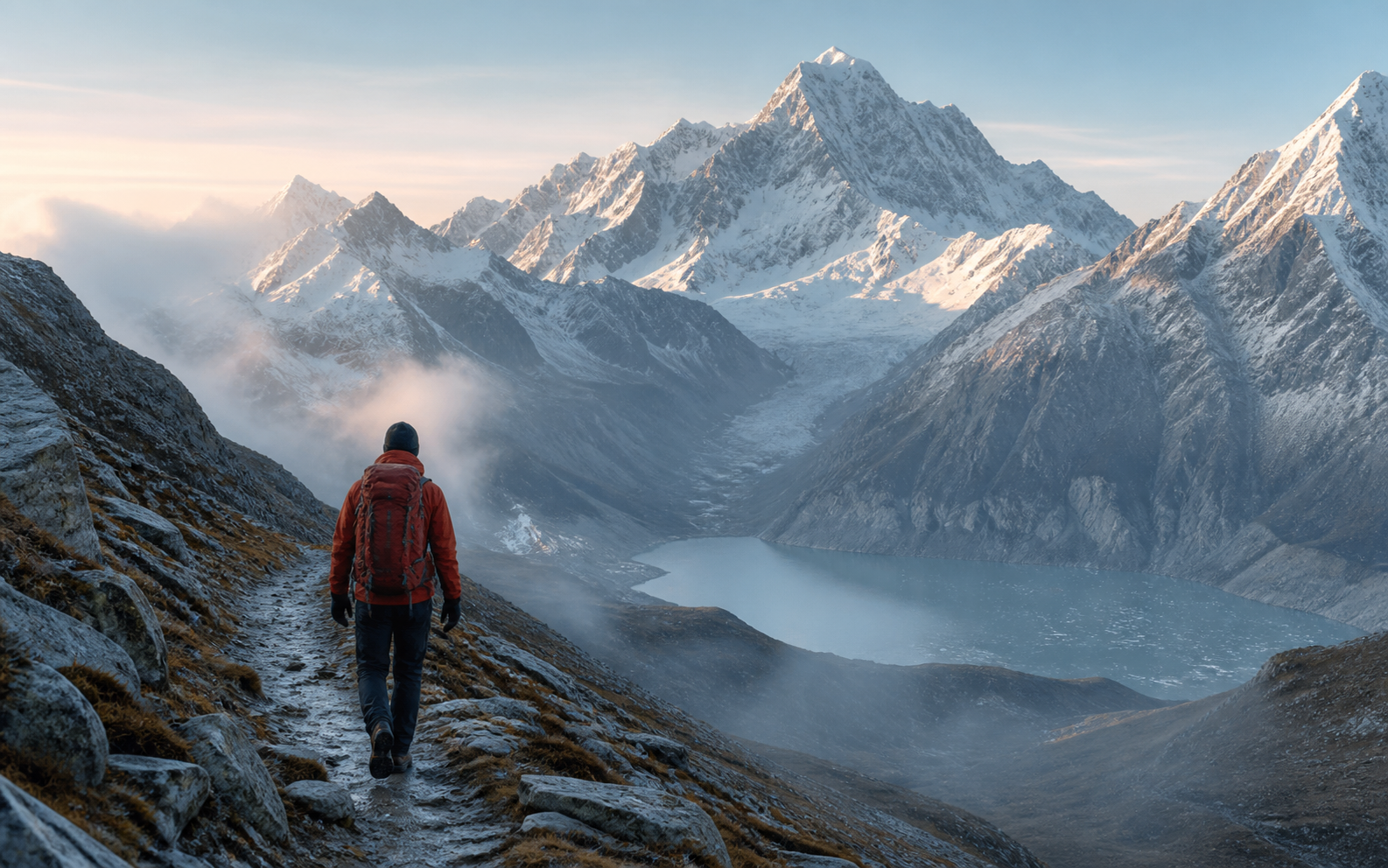
Use this promptA traveler walking toward a dramatic mountain viewpoint at sunrise, winding trail and misty valley below, cinematic travel photography, vertical 9:16 Story and Reel cover with clean space above the subject
Use this promptA cinematic mountain road leading toward sunlit alpine peaks, small traveler on the right third for scale, dramatic clouds, high-contrast travel photography, wide 16:9 thumbnail composition with clear space on the left
Use this prompt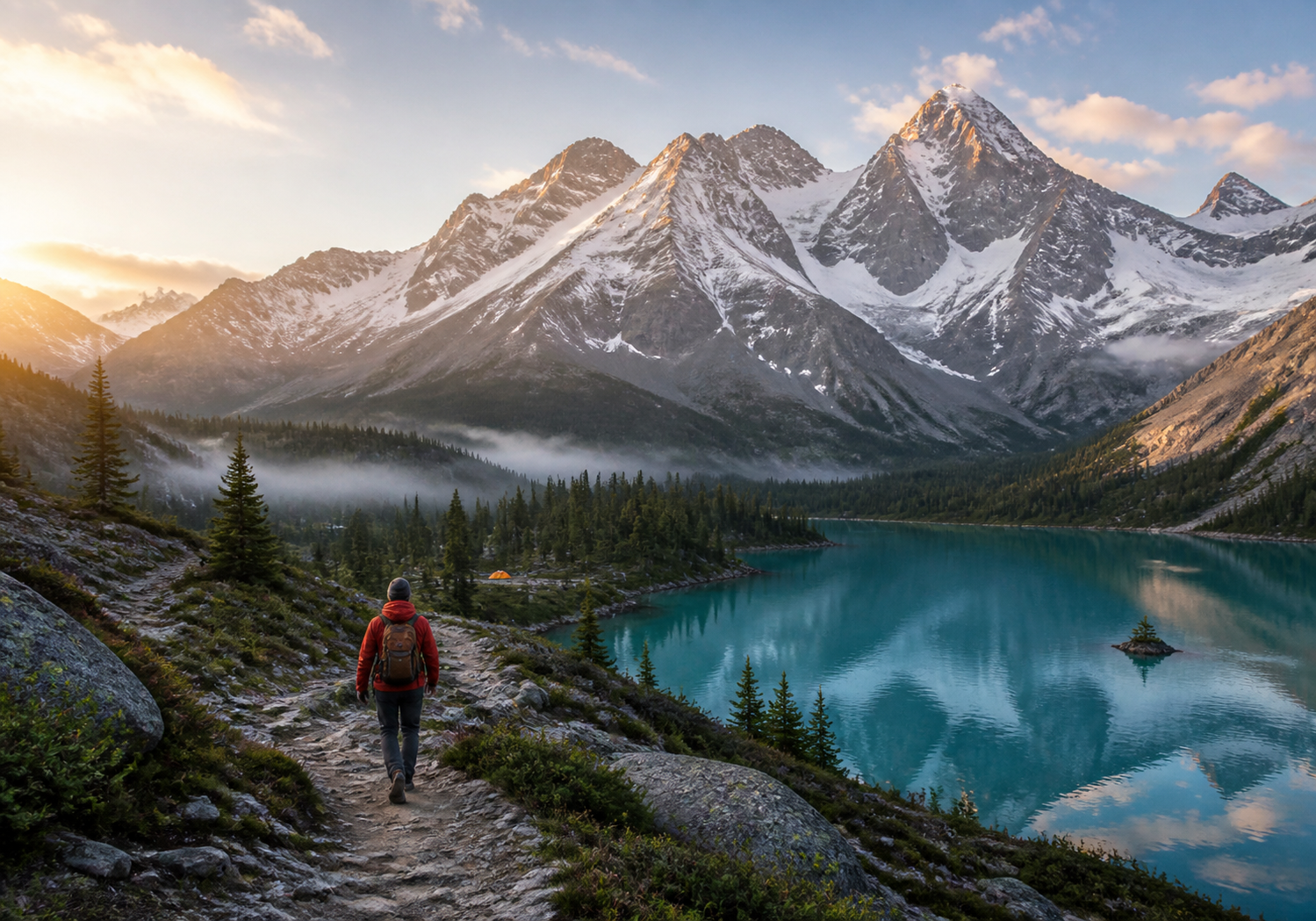
Photo to mountain scene
Use a person or travel photo as a starting point, then place the subject in a mountain world while changing the background, weather, time of day, outfit, and camera feel.
Set a person in snowy mountains, ridges, valleys, campsites, or alpine lakes without losing the main subject.
Keep the person recognizable while changing the landscape around them into a new mountain scene.
Try hiking, skiing, exploration, editorial travel, or outdoor-adventure photography directions.
Adjust clothing, weather, season, time of day, lens choice, and the sense of cinematic scale.
Prompt controls
Use four simple parts: describe the scene, add the mood, choose the visual look, then say how you want the image framed. Write them in one sentence and generate.
Built for real projects
Choose the final use first, then add the right framing, subject placement, and open space to your prompt for a mountain image that is ready to publish.
Create mountain website headers, travel blog hero images, and outdoor campaign visuals.
Add this to your promptwide alpine valley, open sky for a headline, destination travel photography, 16:9
Make mountain social posts, Story and Reel covers, and travel video thumbnails.
Add this to your promptsolo hiker on a ridge, strong subject contrast, vertical 9:16, clear space above
Design mountain wallpapers, posters, mood boards, and fantasy-world backgrounds.
Add this to your promptminimal mountain horizon, negative space for icons, no text or watermark, 16:9 wallpaper
Why Easy AI Generators
Start with a written prompt or reference photo, use mountain-specific examples to guide the scene, then review your result and the current download, privacy, and commercial-use terms before publishing.
Start with text or a reference photo — create a new mountain landscape from words, or use a photo to guide the subject and composition.
Use mountain-specific prompt examples — begin with a snowy peak, misty lake, hiking, wallpaper, or fantasy prompt instead of writing from scratch.
Refine one detail at a time — change the weather, light, viewpoint, or style in your prompt to make the next version easier to judge.
Review the result before downloading — check the crop, subject details, background, and open space for your intended project.
Check export options for your final use — confirm the currently available size, format, and download options in the workspace before you publish or print.
Review privacy and commercial-use terms — check the current terms, plan conditions, and source-image rights before using a result publicly or commercially.
Frequently asked questions
Find answers about creating AI mountain images from text or photos, writing realistic mountain prompts, downloading wallpapers, and checking current privacy and commercial-use conditions.
It is a tool that turns a text prompt or reference image into a mountain landscape, mountain background, wallpaper, fantasy scene, or adventure image.
Yes. Upload a clear photo or reference image to guide the subject and composition, then describe the mountain setting you want. A reference helps steer the result, so review each version before you download or share it.
Start with the scene, then add the main subject, weather or light, viewpoint, and final use. For example: snowy alpine ridge, lone hiker, golden-hour light, wide landscape, cinematic travel photography.
Use specific visual details: name the terrain, season, weather, time of day, light direction, and camera view. Concrete details such as misty valley, snow-covered ridge, or wide-angle landscape give the image a clearer target.
Yes. Say whether you need a wide desktop wallpaper or tall phone wallpaper, and describe where you want open space for icons, text, or the subject. This helps create a more usable mountain background.
You can start with the free generator experience. Before you create an image, check the workspace for the current credits, sign-in requirements, and available download options.
Describe the intended result in your prompt, such as a square social post, wide mountain wallpaper, vertical story, or blog hero image. Confirm the currently available export size, format, and download options in the workspace before publishing or printing.
Uploaded files are handled under the current privacy terms. Review those terms before uploading sensitive personal photos, especially if you plan to use the result publicly.
Commercial use depends on the current terms, your plan conditions, and the rights you have to any reference image. Review the workspace terms and licensing details before publishing or using a result in client work.
Ready to create
Start with a text prompt or reference photo, describe the mountain scene you want, then refine the result before you download.
Start Creating